
For: Admin, Owner
Last reviewed: 2026-07-07
Requires
Must be Organization Owner or Admin.
The QuickBooks integration pushes completed work orders to QuickBooks Online as draft invoices. You still review and send every invoice from QuickBooks, so you keep full control over customer billing.
1. Open Organization → Integrations
From the sidebar, open Integrations (or Organization → Integrations tab). The QuickBooks Online card is at the top of the list.
2. Click Connect to QuickBooks Online
EquipQR redirects you to QuickBooks to authorize the connection. Sign in to the QuickBooks company you want to connect.
3. Approve access
Grant the requested scopes. EquipQR only reads customers and writes invoices — it does not touch payroll, banking, or transactions.
4. Return to EquipQR
You land back on the Integrations tab with a Connected badge on the QuickBooks Online card. The card offers Disconnect and a shortcut to manage the connection inside QuickBooks.
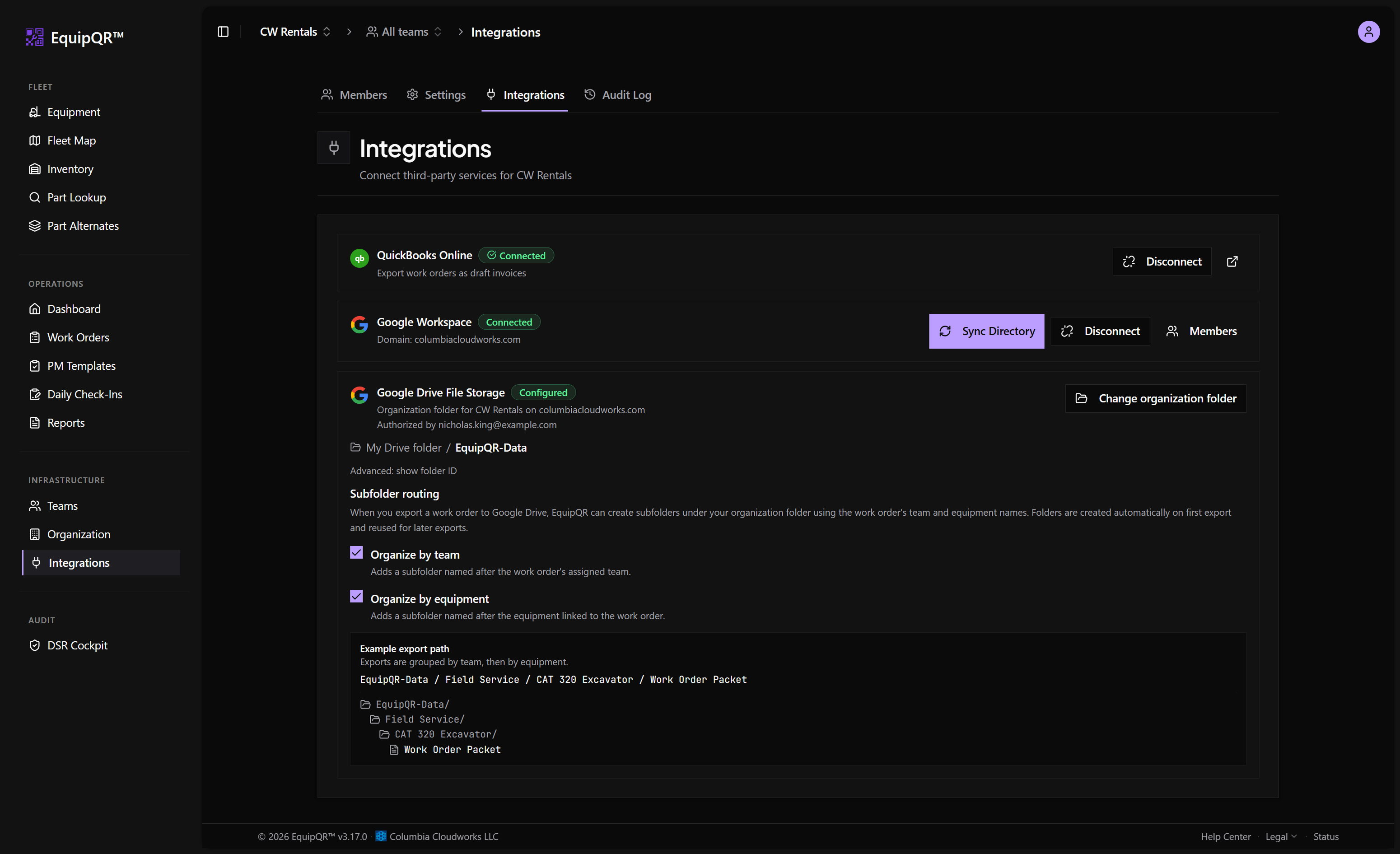
The same card is available on mobile:
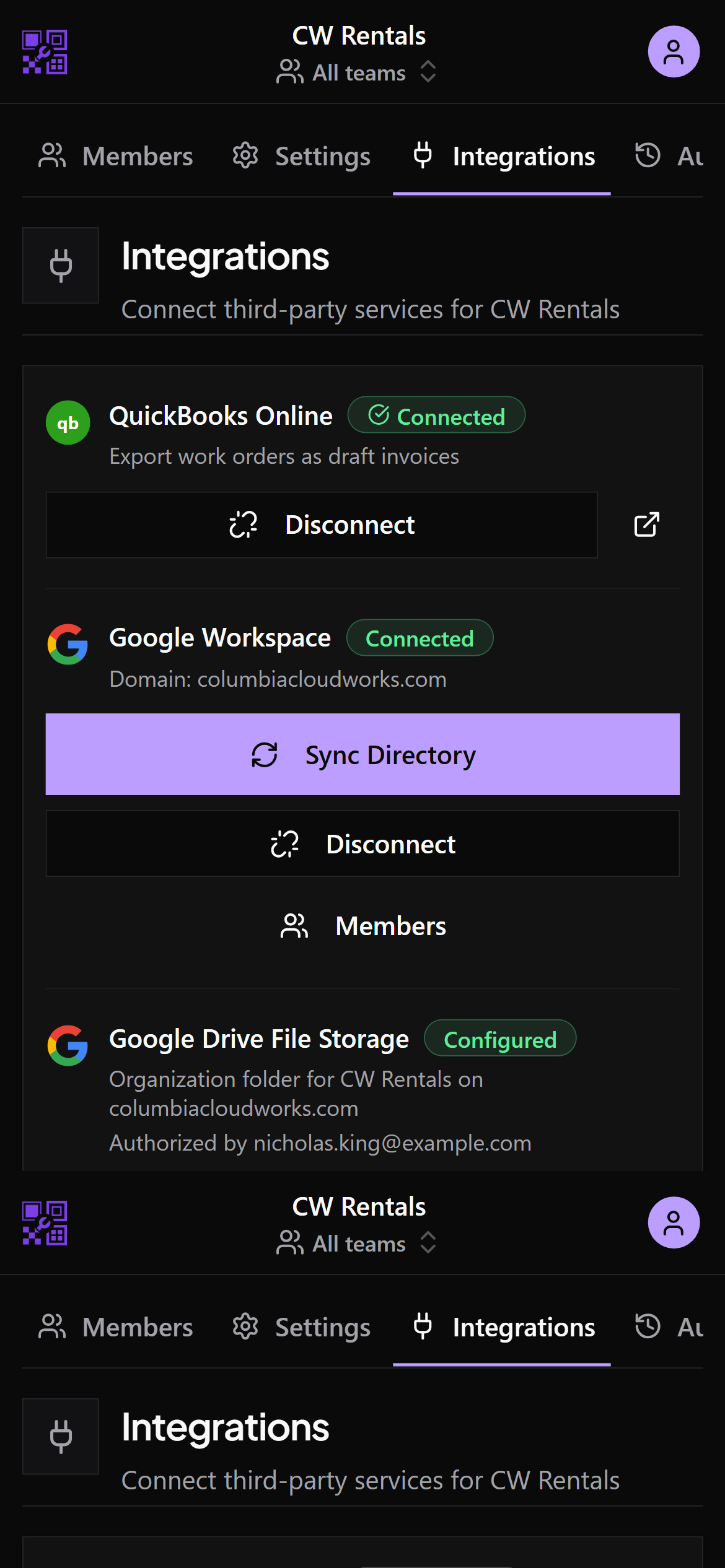
Next, map your teams to QuickBooks customers so invoice export knows where to post.
Note
QuickBooks access tokens expire every 100 days. EquipQR auto-refreshes the connection in the background, so you rarely need to reconnect manually. If the connection health indicator in the top bar turns red, reconnect from this page.