
For: Everyone
Last reviewed: 2026-07-06 EquipQR has two role tiers. The organization tier decides who can manage your company account. The team tier decides who can act on the equipment inside that team.
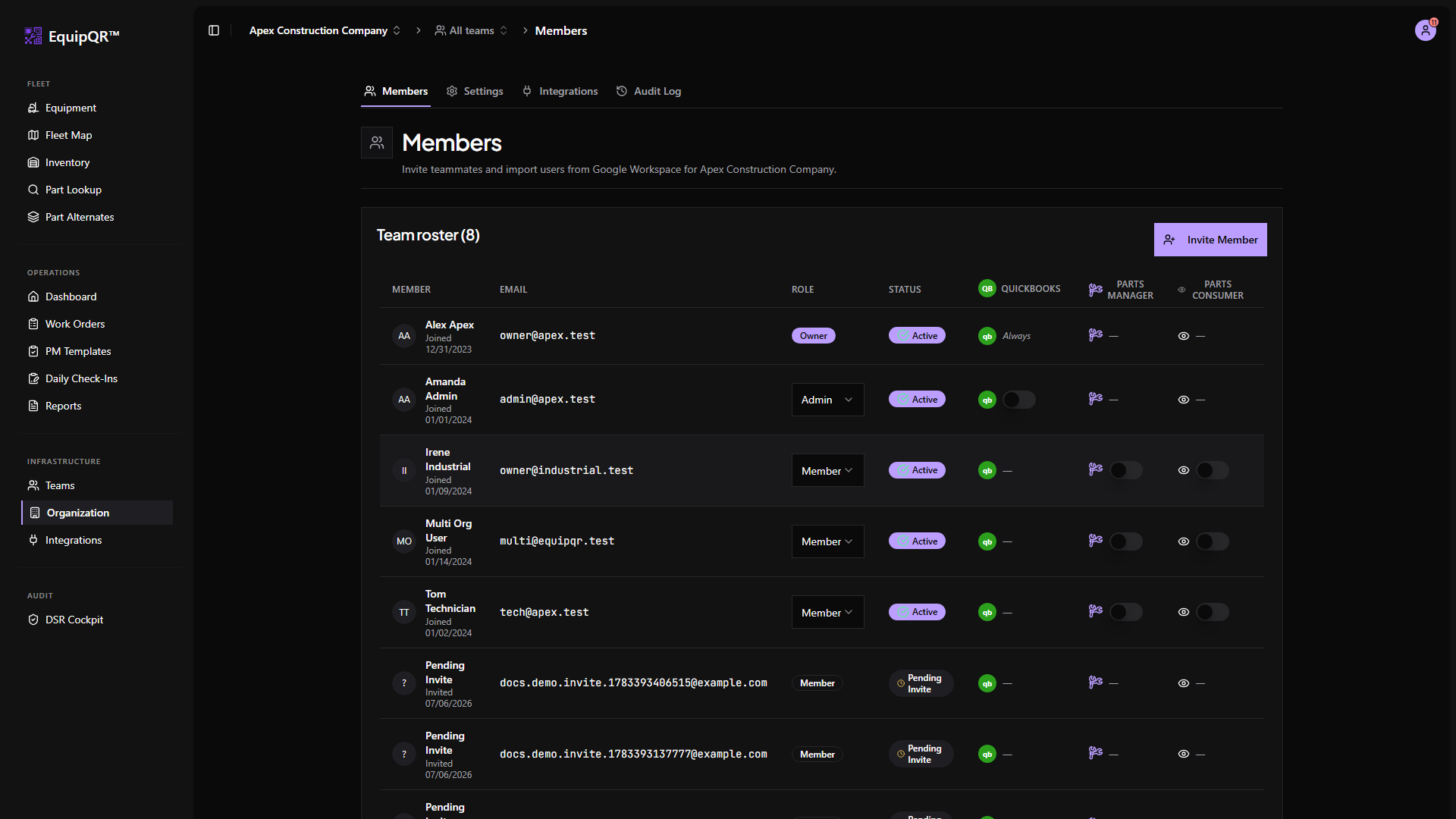
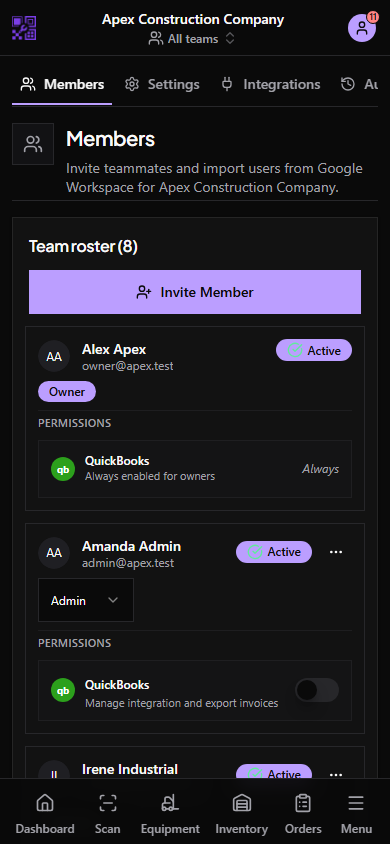
1. Organization roles (your staff)
- Owner — full control of the organization, including transferring ownership and deleting the organization.
- Admin — day-to-day administration: invite members, create teams, connect integrations, and manage organization settings.
- Member — baseline staff account with access scoped to the teams they belong to.
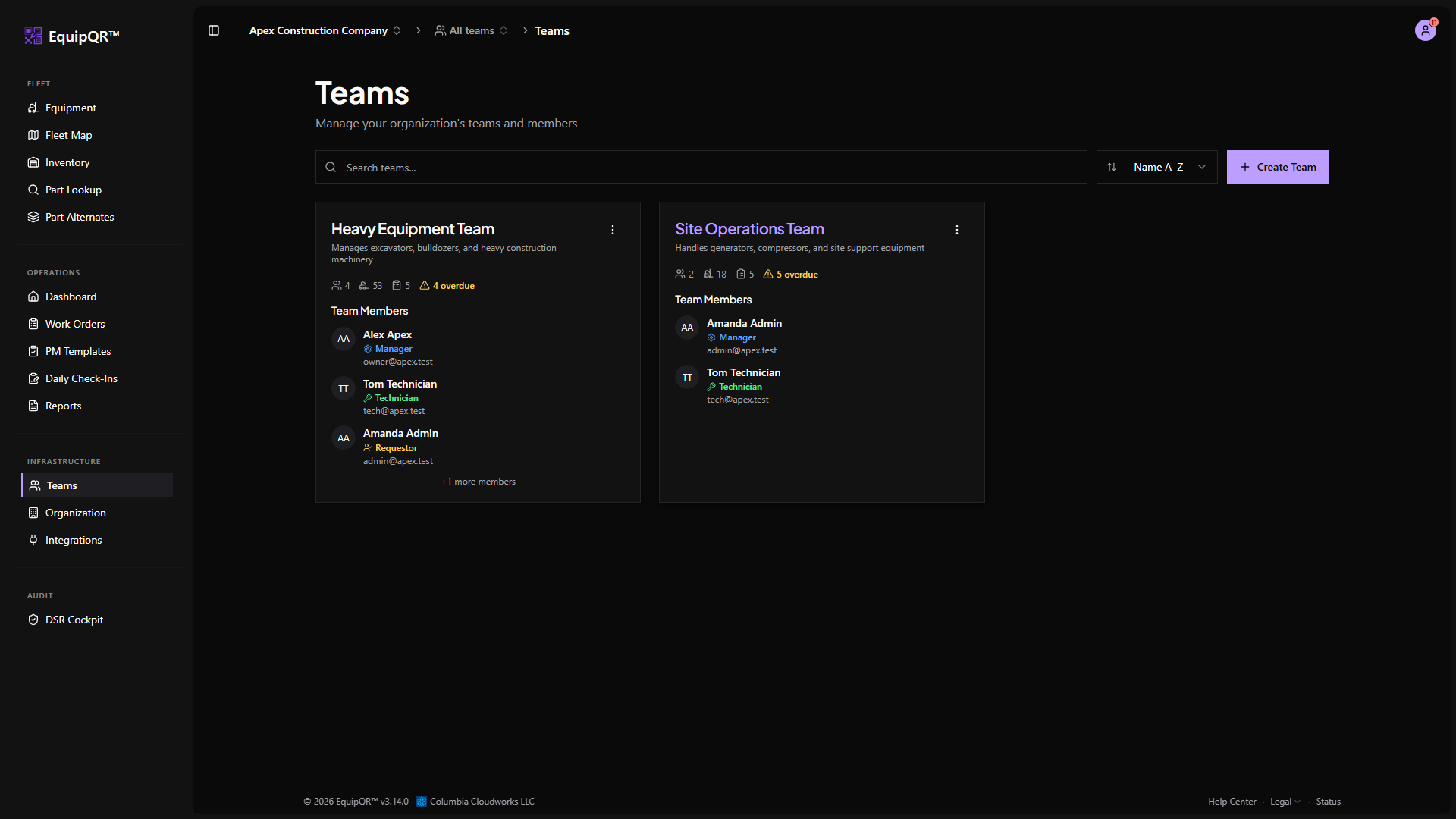
2. Team roles (scoped to one team)
- Manager — team leadership. Assigns work orders, adds/removes members, and manages equipment that belongs to the team.
- Technician — internal staff. Executes work orders, updates status, logs notes/photos, and uses inventory.
- Requestor — trusted customer or equipment owner. Scans a QR code and submits a work request, but cannot edit work orders after submission.
- Viewer — read-only access to the team's equipment and work orders.
3. Use the right seat for the right person
A user can hold different team roles on different teams. For example, a shop foreman might be a Manager on their own team and a Technician on a partner shop's team.