
For: Admin, Owner
Last reviewed: 2026-07-04
1. Open Organization
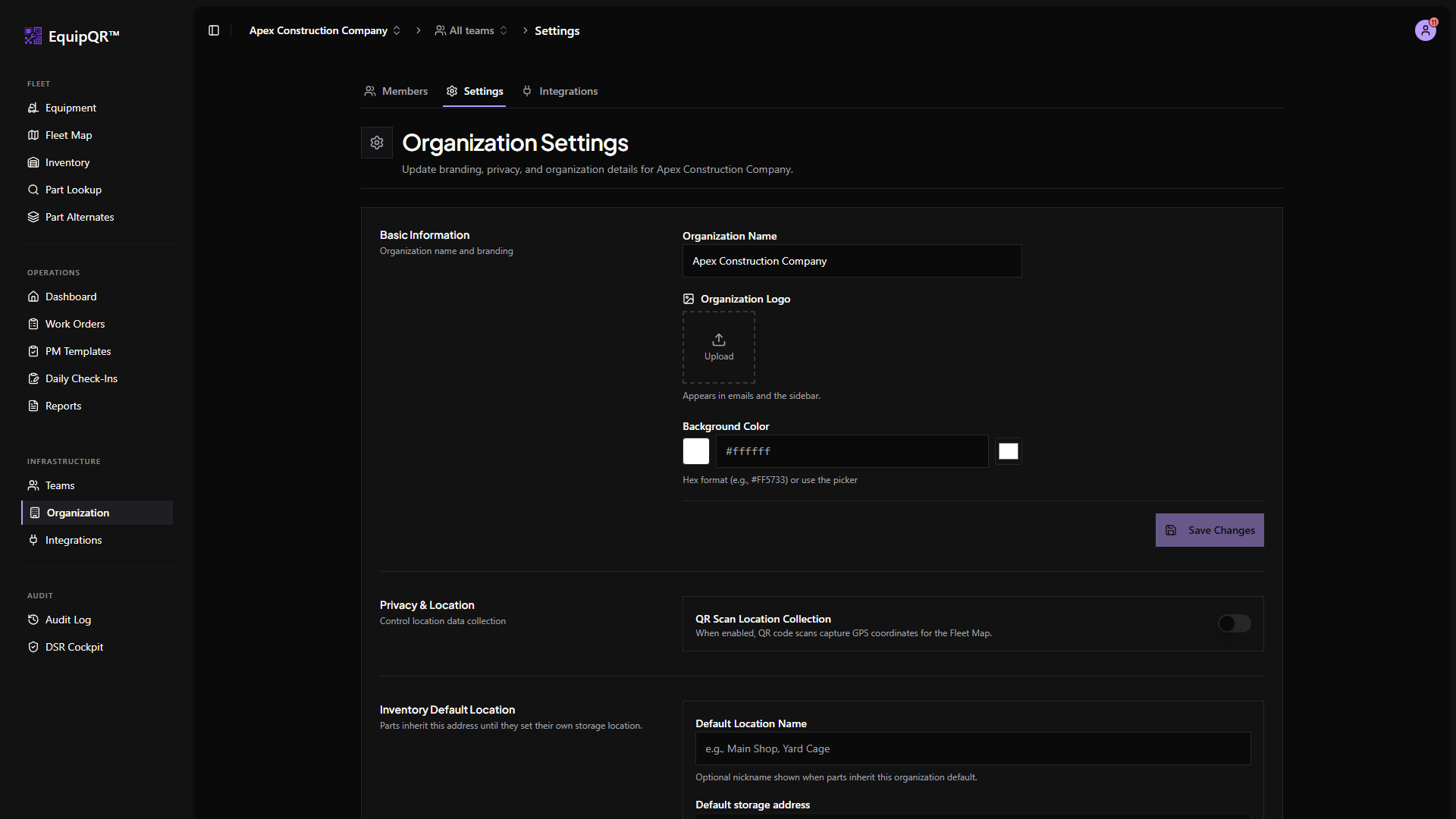
From the sidebar under Infrastructure, click Organization. The page has tabs for Settings, Members, Teams, Integrations, and more.
2. Settings tab
Name, time zone, branding color, and display preferences live on the Settings tab. Branding color recolors the sidebar for every user in the organization.
Inventory default location
Scroll to Inventory Default Location to set the organization-wide storage address that inventory parts inherit until they save a part-specific override. The section supports Places search, map pin adjustment, and live GPS capture.
See Inventory storage locations for how inheritance and overrides work on individual parts.
3. Integrations tab
QuickBooks Online and Google Workspace integrations live on the Integrations tab. Each integration has its own connect button and status indicator.