For: Admin, Owner, Manager, Technician
Last reviewed: 2026-07-04
EquipQR resolves an equipment pin from several sources. You can preview each source on the equipment detail map, Fleet Map, and work order detail pages without changing the underlying record until you save an override.
Effective location order
- Last known scan GPS — when QR scan location collection is enabled and a recent scan captured coordinates.
- Equipment assigned address — street or map pin saved on the equipment record.
- Legacy location text — older free-text location values with coordinates when present.
- Team location — only when the team has Override equipment location enabled and the equipment still opts into team fallback.
The Effective location source shows the winner of that chain. Other sources in the header dropdown let you compare team HQ, equipment address, and last scan side by side.
Fleet Map source filter
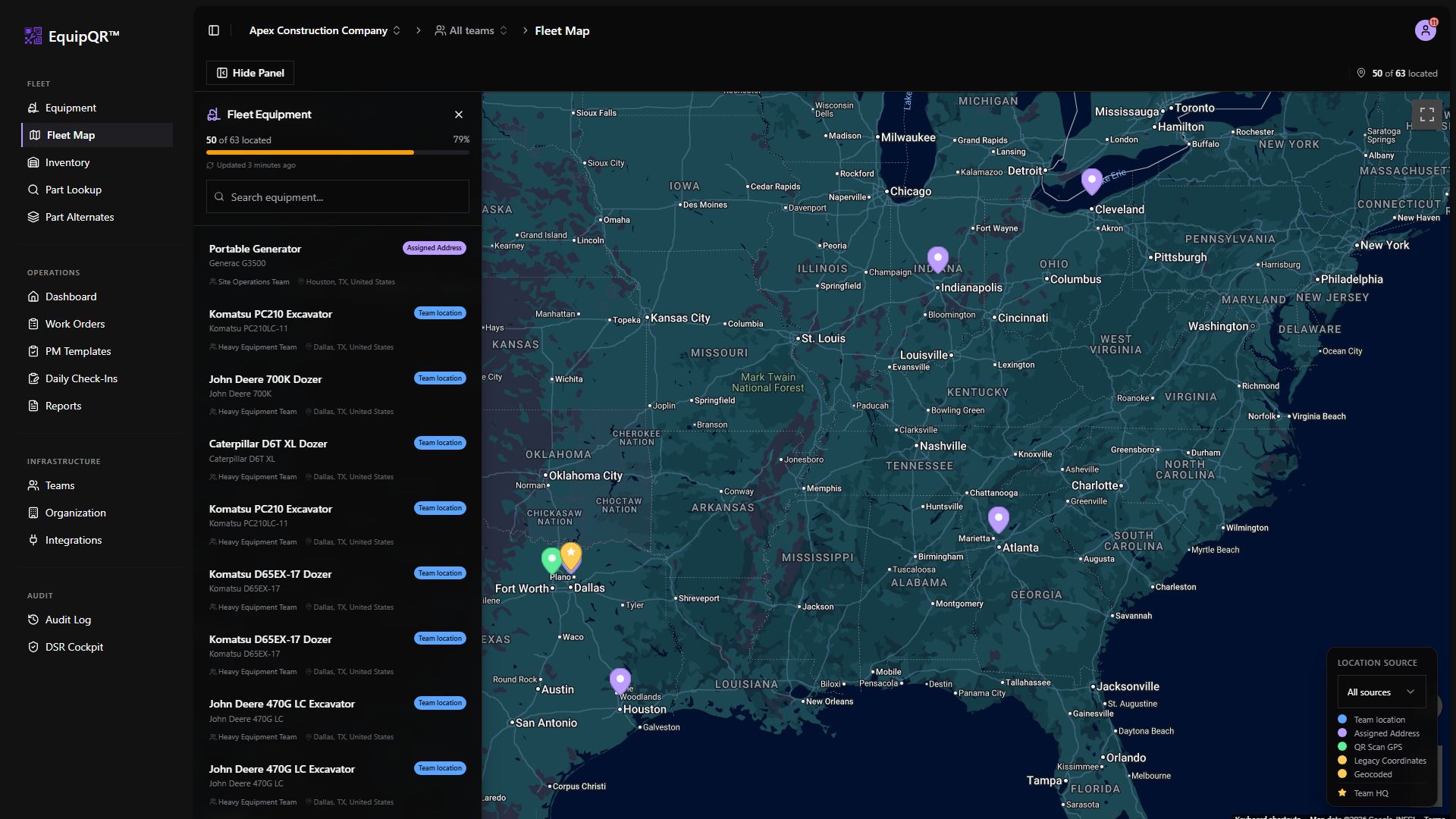
Use Location Source on Fleet Map to color and filter markers by the same source labels you see on equipment detail.
Equipment detail map card
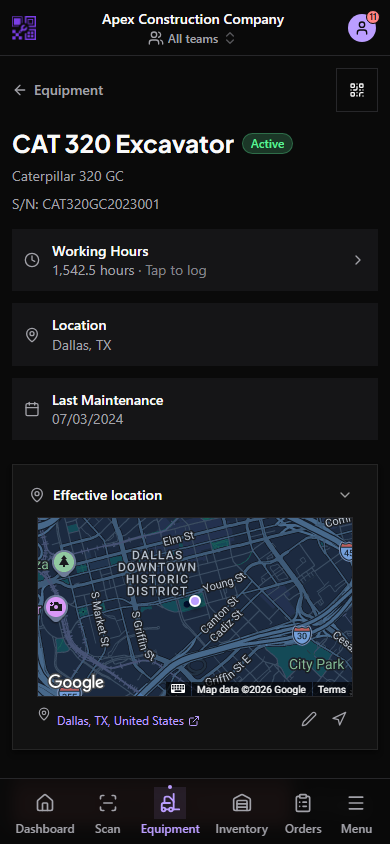
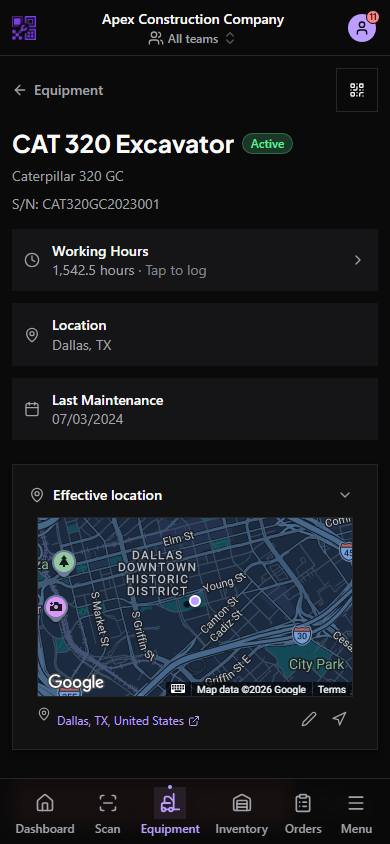
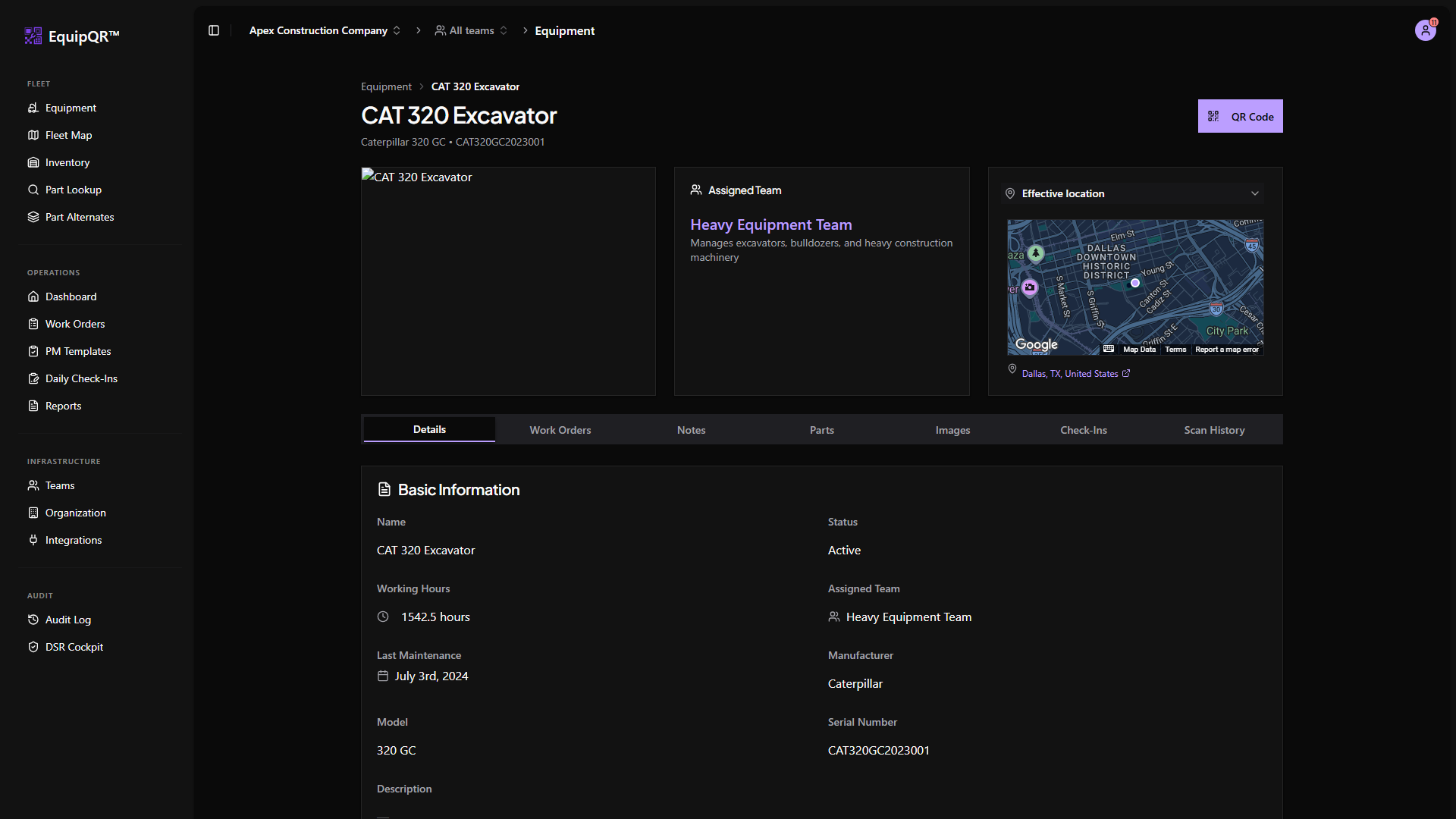
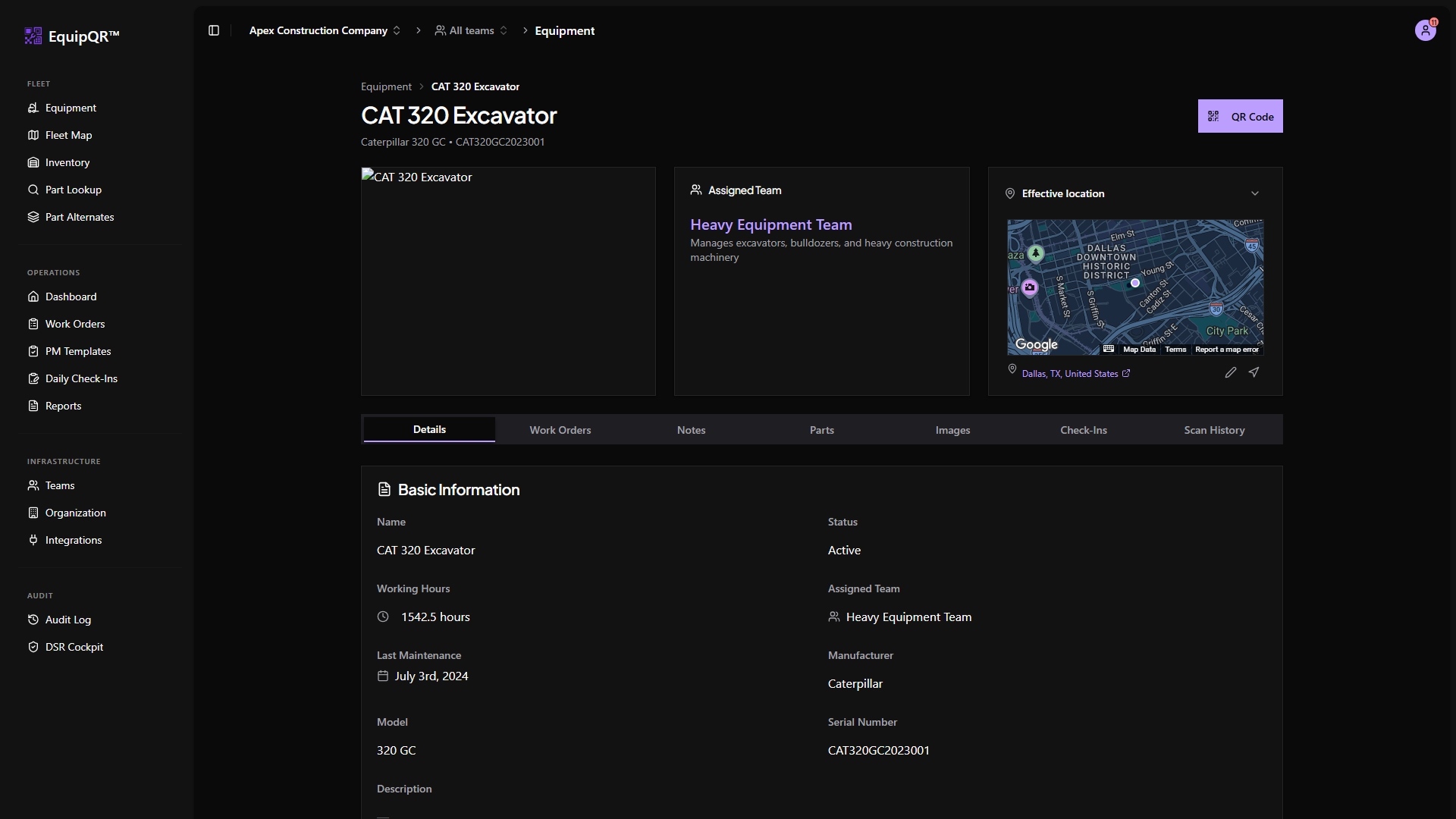
The location card header is a dropdown. Pick Effective location, Team location, Equipment location, or Last known scan to change what the mini map and address row display.
Inline address actions
Hover the address row (always visible on mobile) to reveal:
- Pencil — type or search for a street address with Google Places.
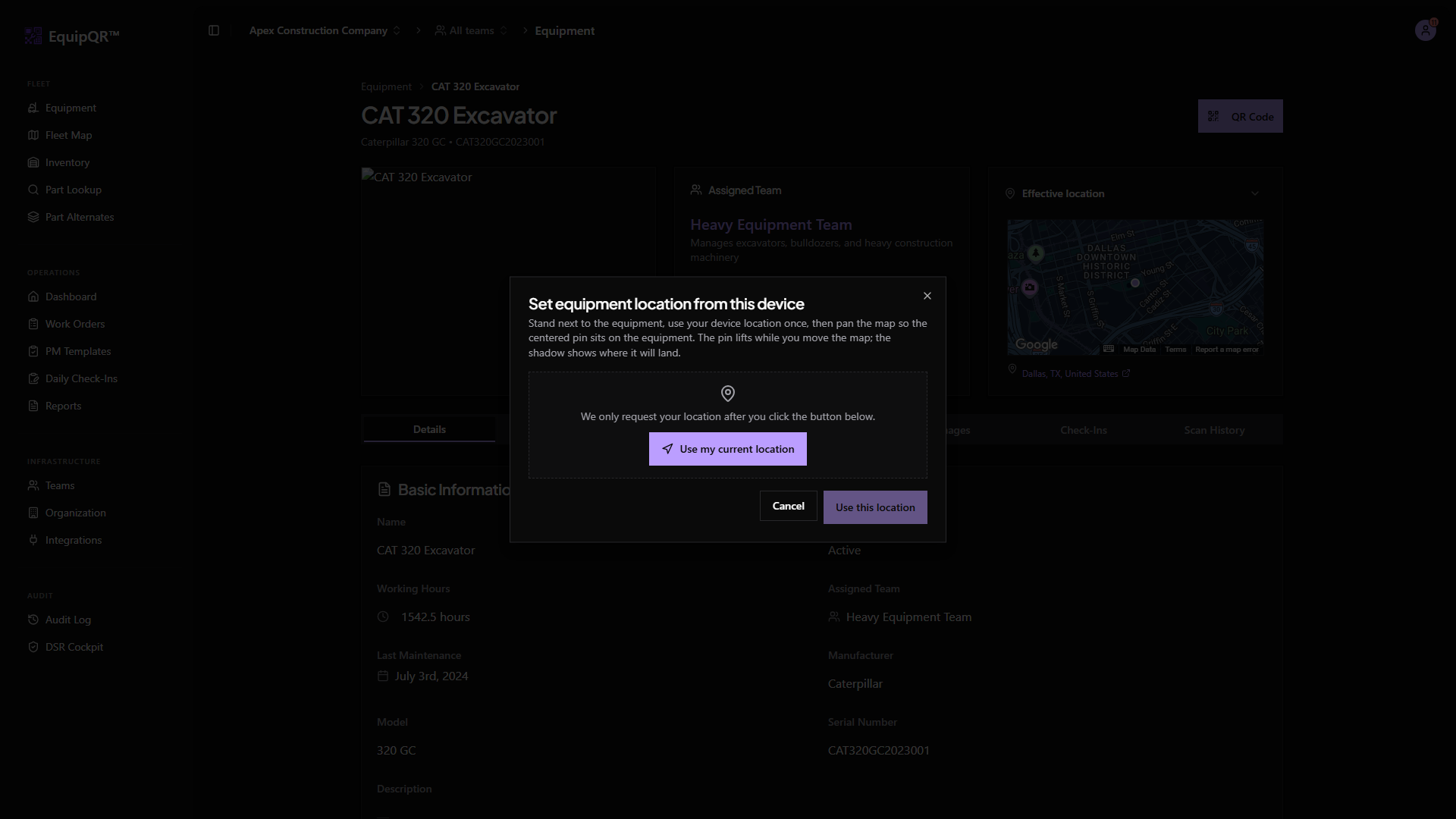
- Navigation icon — open live-location capture from the device GPS.
Live-location capture
Live capture opens a center-pin map. Pan to adjust, then confirm. Coordinate-only saves (no street address) still persist as the equipment assigned location and disable team fallback.
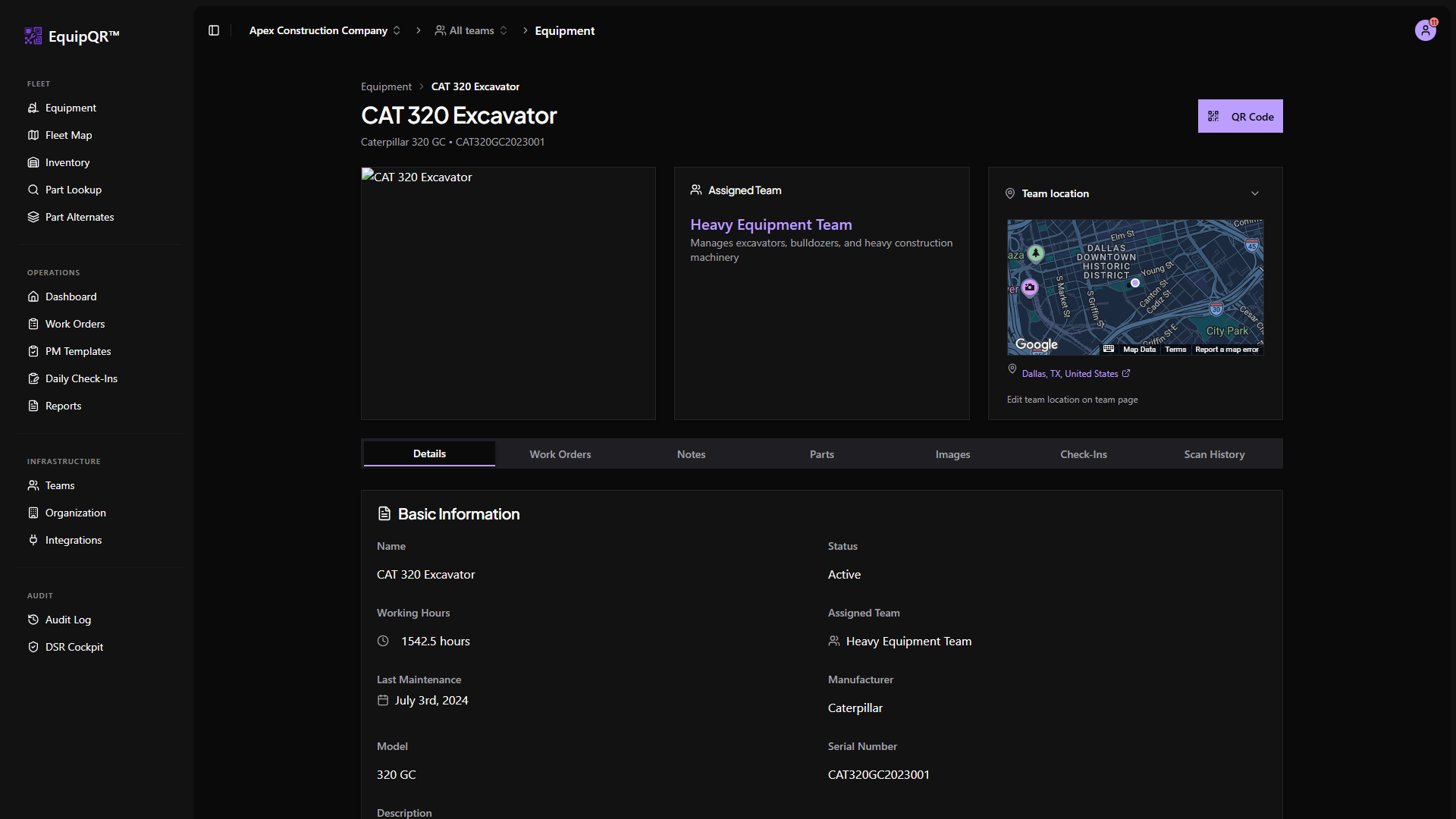
Team location fallback
When a team overrides equipment locations, switch the header dropdown to Team location to preview the team HQ pin without removing the equipment's own saved address.
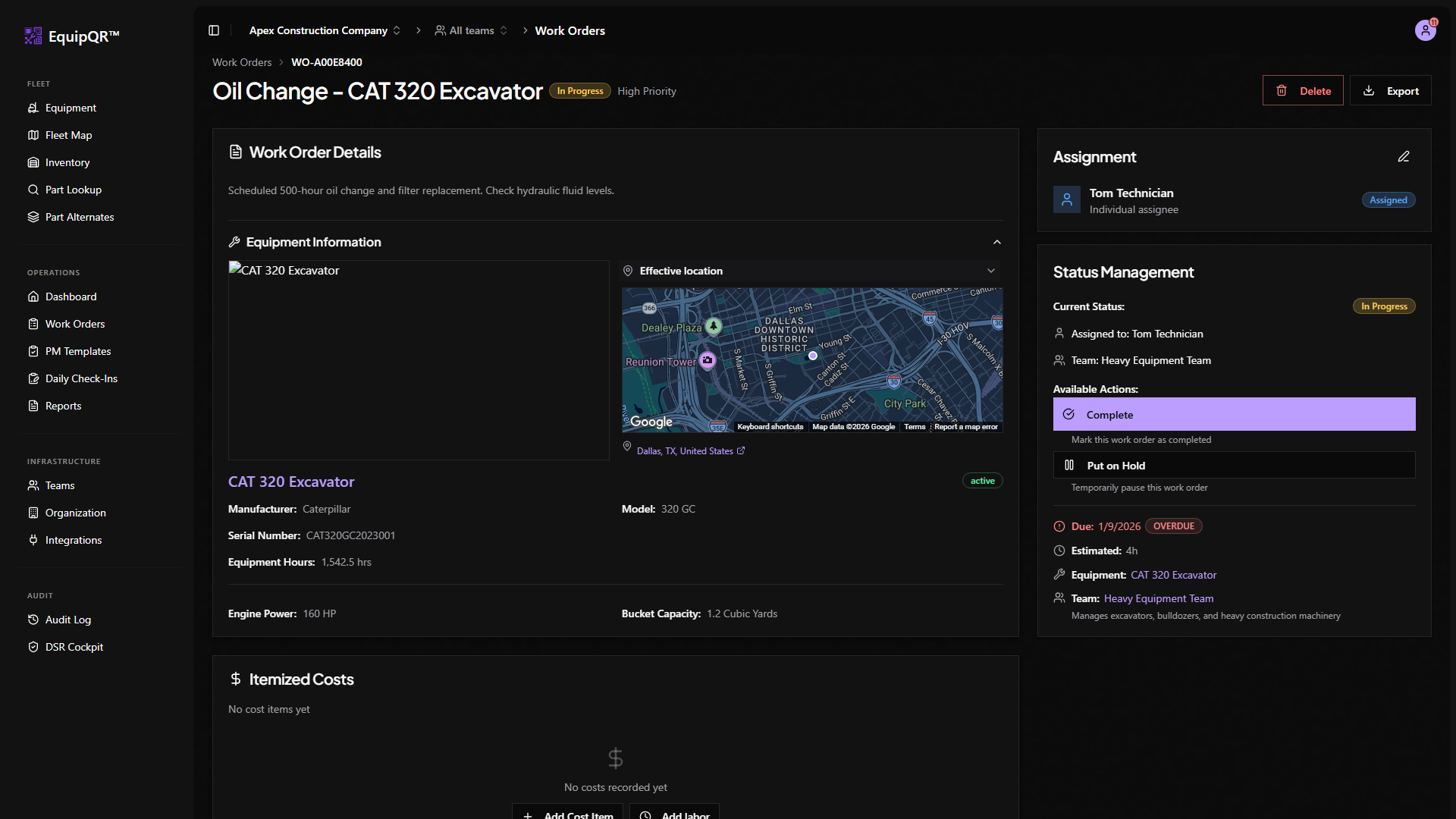
Work order embedded map
Work orders with linked equipment show the same location source dropdown and mini map on desktop. On mobile, expand Equipment Details to reveal the map controls.
Mobile field view
Mobile equipment detail now includes the same location card below the header. Technicians can change sources, edit inline, and capture live GPS from the field.