
For: Everyone
Last reviewed: 2026-07-19
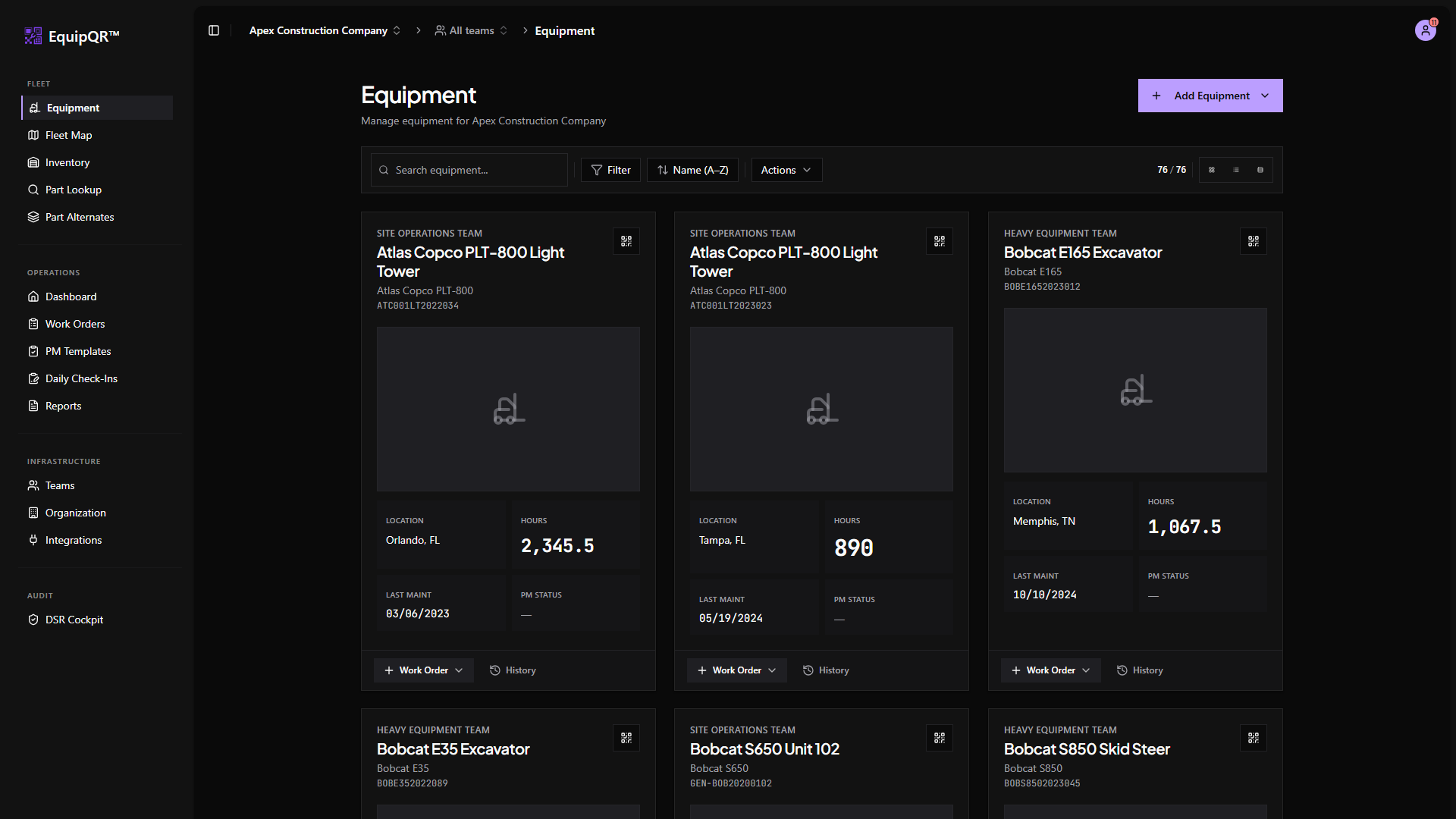
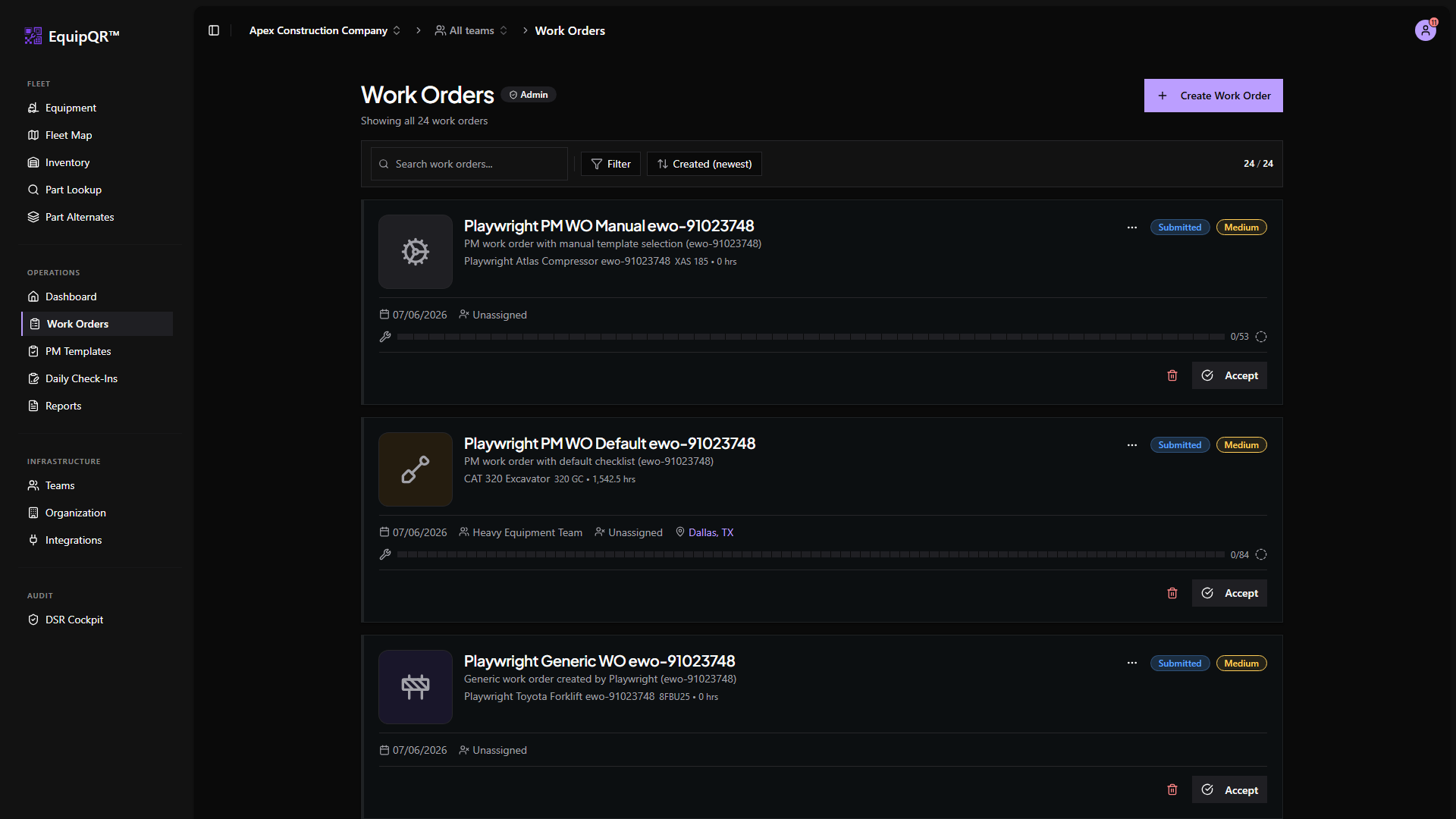
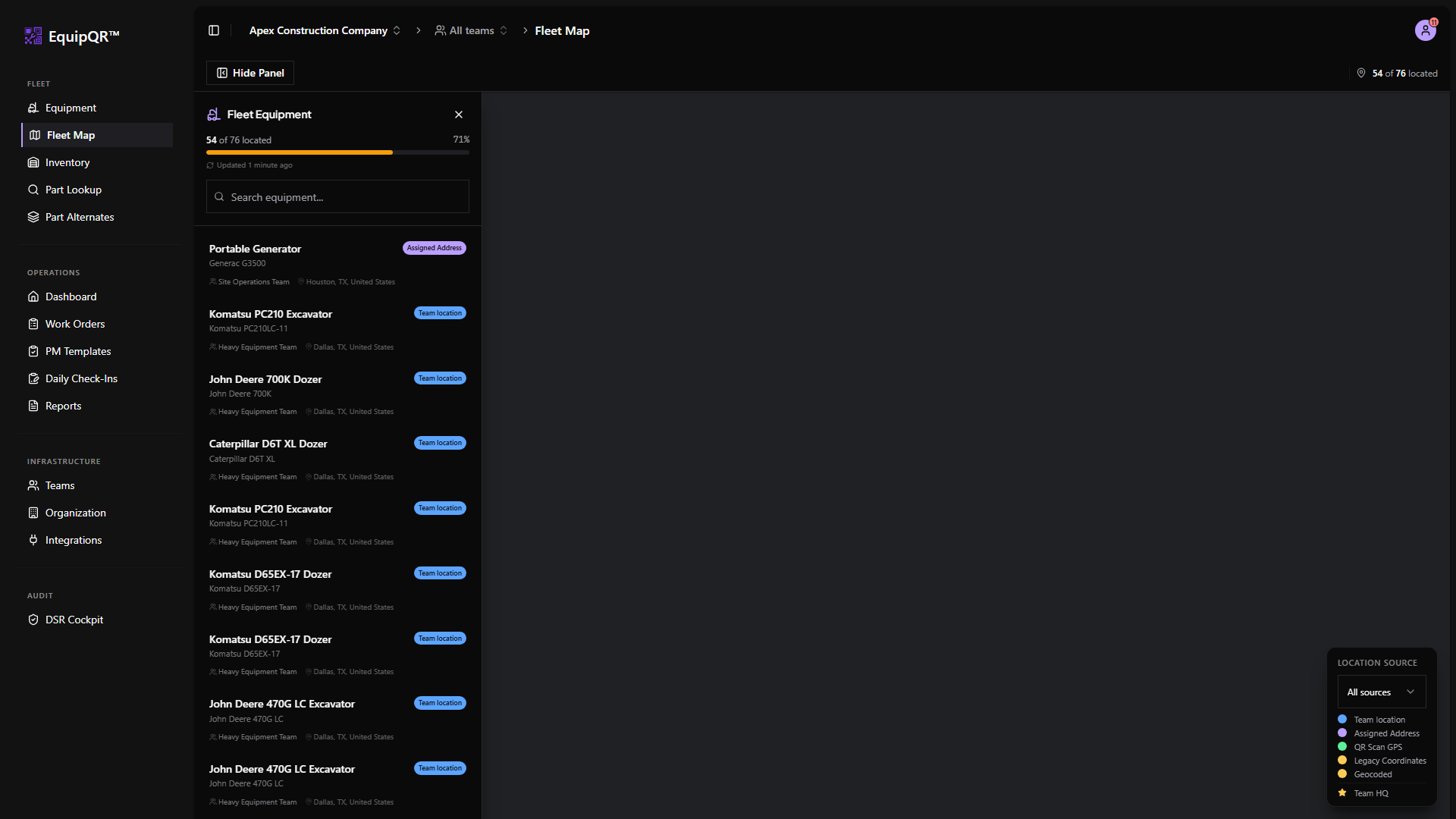
1. Sidebar groups (desktop and tablet)
- Fleet — Equipment, Fleet Map, Inventory, Part Lookup, Part Alternates.
- Operations — Dashboard, Work Orders, Daily Check-Ins (admin-only), PM Templates (admin-only), Reports.
- Infrastructure — Teams, Organization, Integrations.
The Audit Log lives under Organization → Audit Log (admin-only). DSR Cockpit (admin-only) lives under the footer Legal menu and Settings → Privacy.
2. Mobile bottom navigation
On phones, the bottom nav shows the four most-used destinations for field technicians: Dashboard, Equipment, Inventory, and Work Orders. Tap the menu icon for everything else.
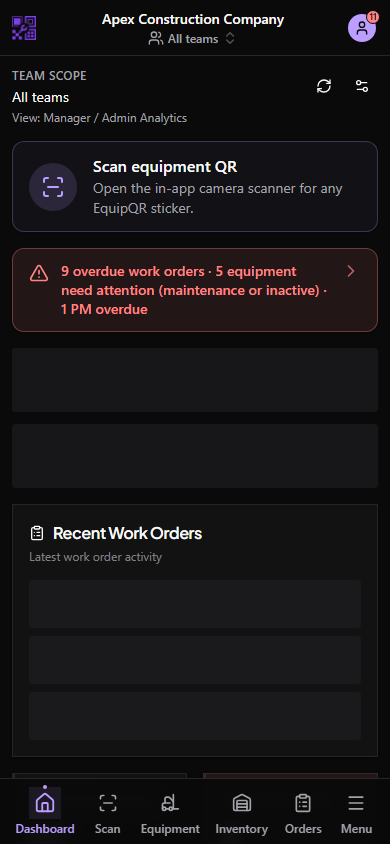
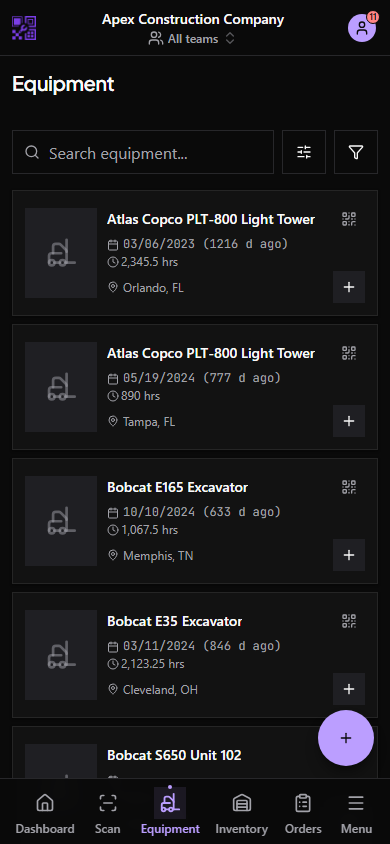
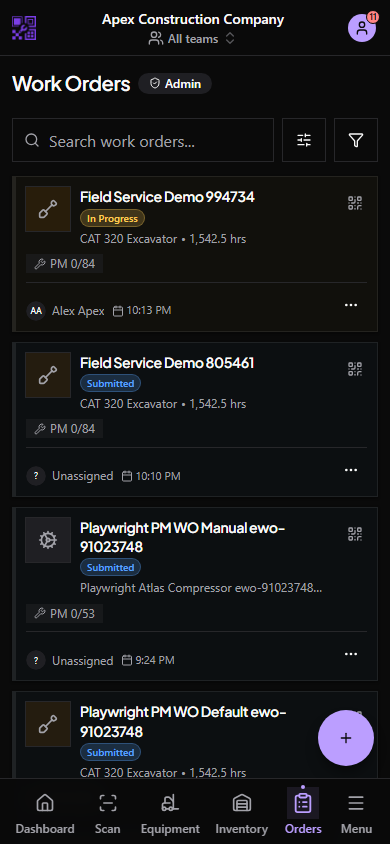
The top bar shows your current organization, notifications, and your user menu. Help Center (guides on equipqr.info) and Support & tickets (report issues) live under the user menu (avatar top-right).
4. Admin-only surfaces are hidden by default
If you do not see PM Templates in the sidebar, DSR Cockpit under Legal / Settings → Privacy, or the Audit Log tab under Organization, your account is not an Organization Owner or Admin. Ask an admin to grant access if you need it.