
Technician Field Work
Fast mobile-first workflows for technicians scanning equipment, running work orders, and documenting what they did.
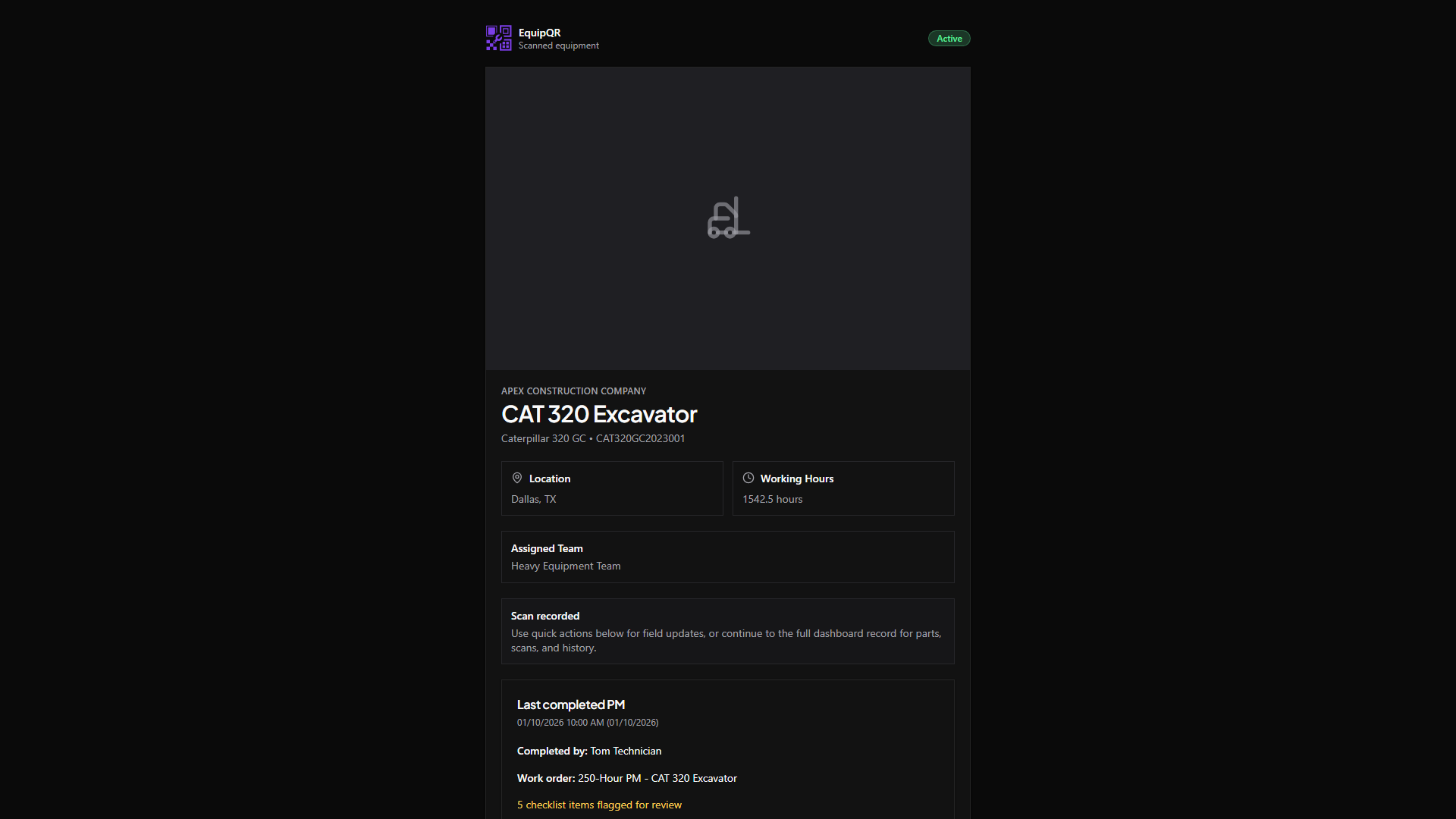
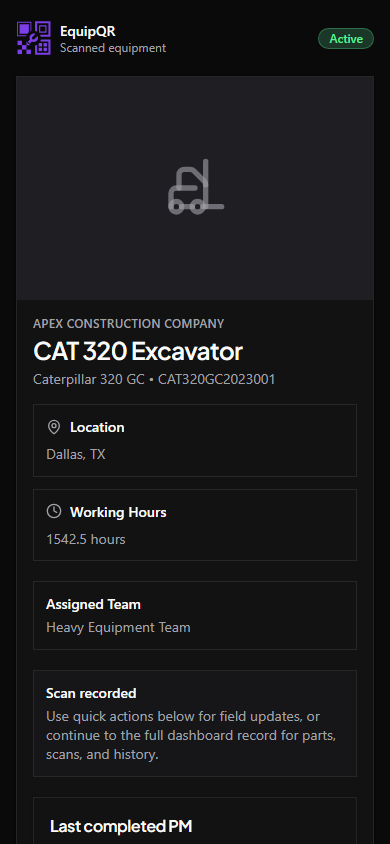
Desktop walkthrough video
Mobile walkthrough video
Articles
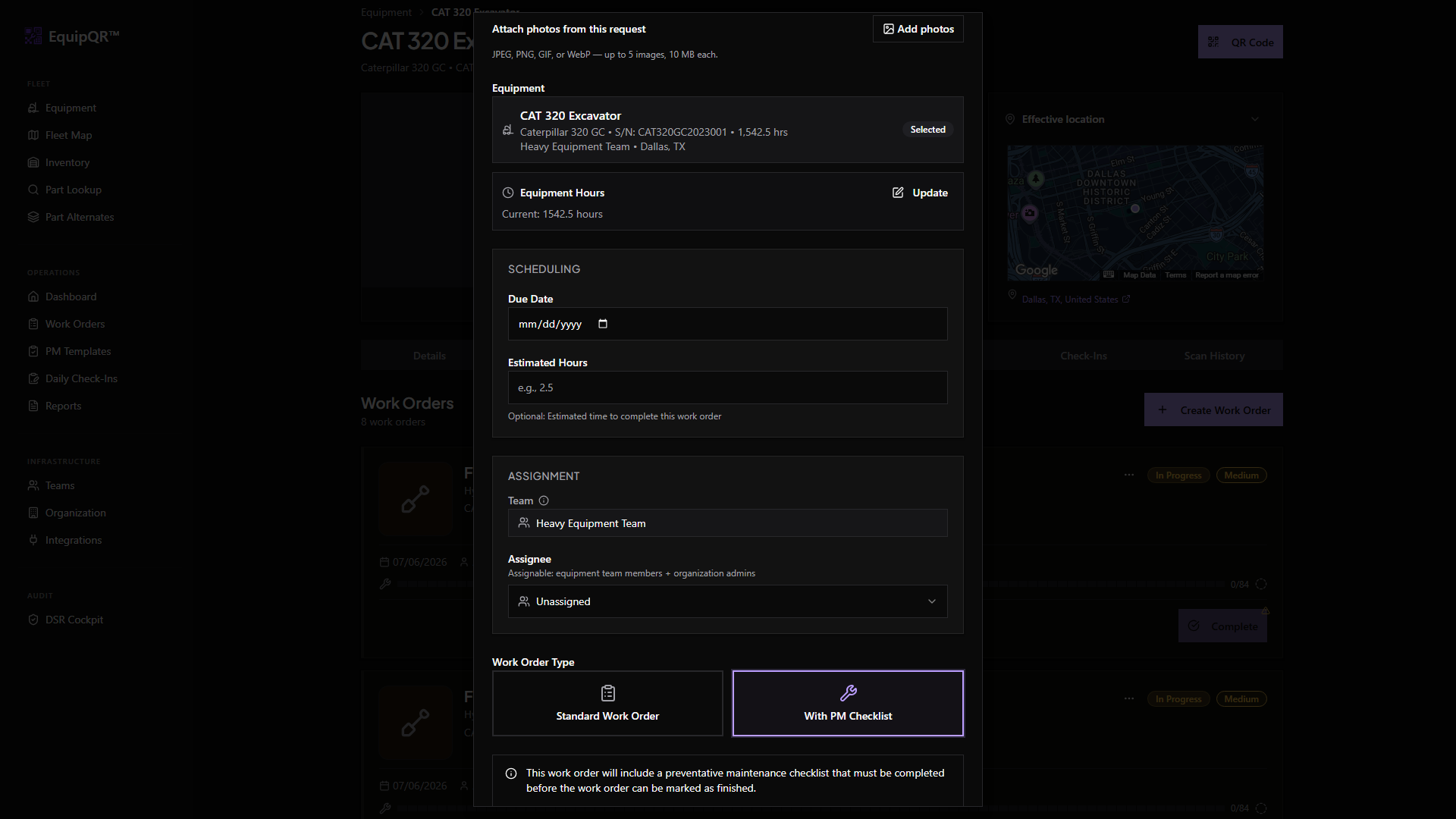
- Scan an equipment QR code from your phone — Use your phone's built-in camera app to open an equipment record in EquipQR with the correct organization already selected.
- Create a work order from equipment — Start a new work order directly from an equipment record so it is pre-linked to the correct machine and team.
- Update work order status — Move a work order through Submitted → Accepted → Assigned → In Progress → Completed with the right permission checks.
- Add notes and photos to a work order — Document what you found, what you did, and attach before/during/after photos — all visible in the equipment's image gallery.
- Complete a PM checklist — Tick off preventative maintenance items, mark exceptions, and attach evidence photos to the ones that need follow-up.
- Consume inventory parts on a work order — Record the parts you used on a repair so stock drops automatically and the cost flows into the invoice.
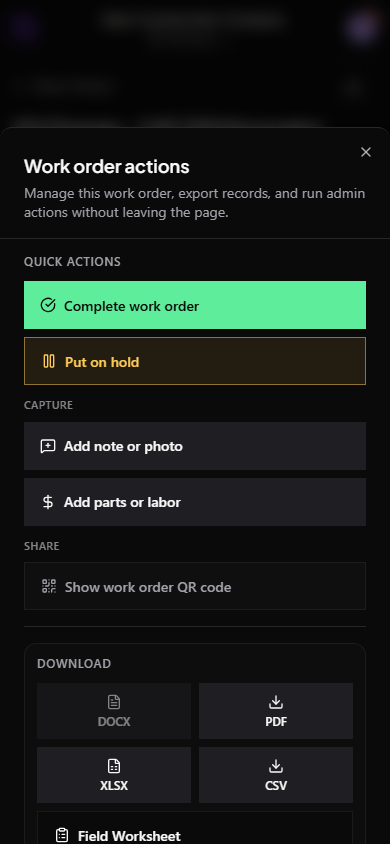
- Use mobile quick actions — One thumb-reachable button on equipment and work order pages opens a drawer of QR codes, status moves, notes, and exports.