
For: Technician, Manager
Last reviewed: 2026-07-06
Requires
Must be a Manager or Technician on the team that owns the equipment.
1. Open the equipment record
Scan the QR code or pick the machine from the Equipment list.
2. Open the Work Orders tab
Scroll or tap the Work Orders tab on the equipment page to see the job history.
3. Click Create Work Order
If no work orders exist yet, the button reads "Create First Work Order". Either way, the form opens with the equipment pre-selected and locked.
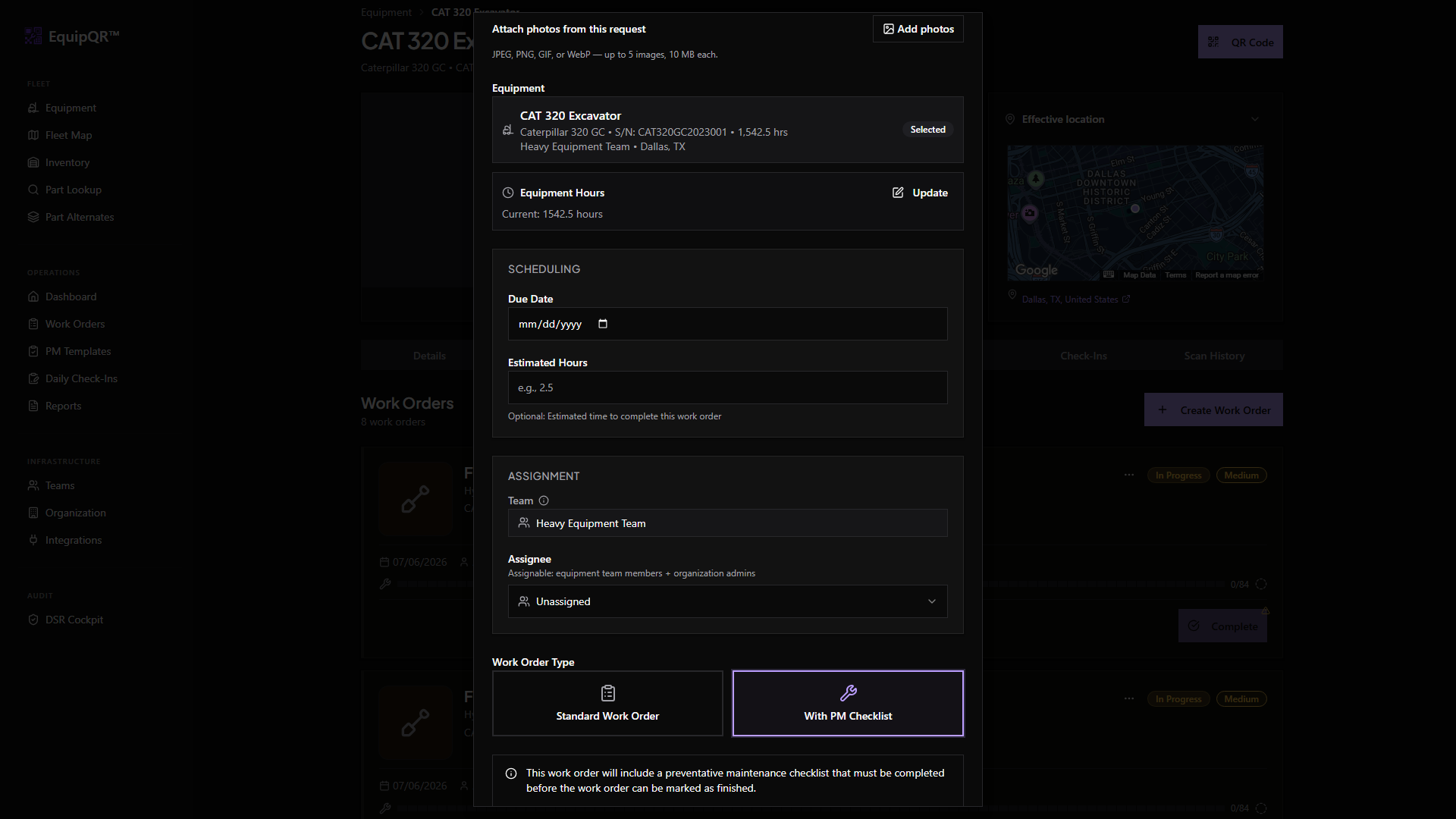
4. Fill in title, priority, and description
- Title — a descriptive summary like "Hydraulic leak on left cylinder".
- Priority — Low, Medium, High, or Critical based on safety and downtime impact.
- Description — what you observed, what you want someone to do, and any access notes.
5. Save the work order
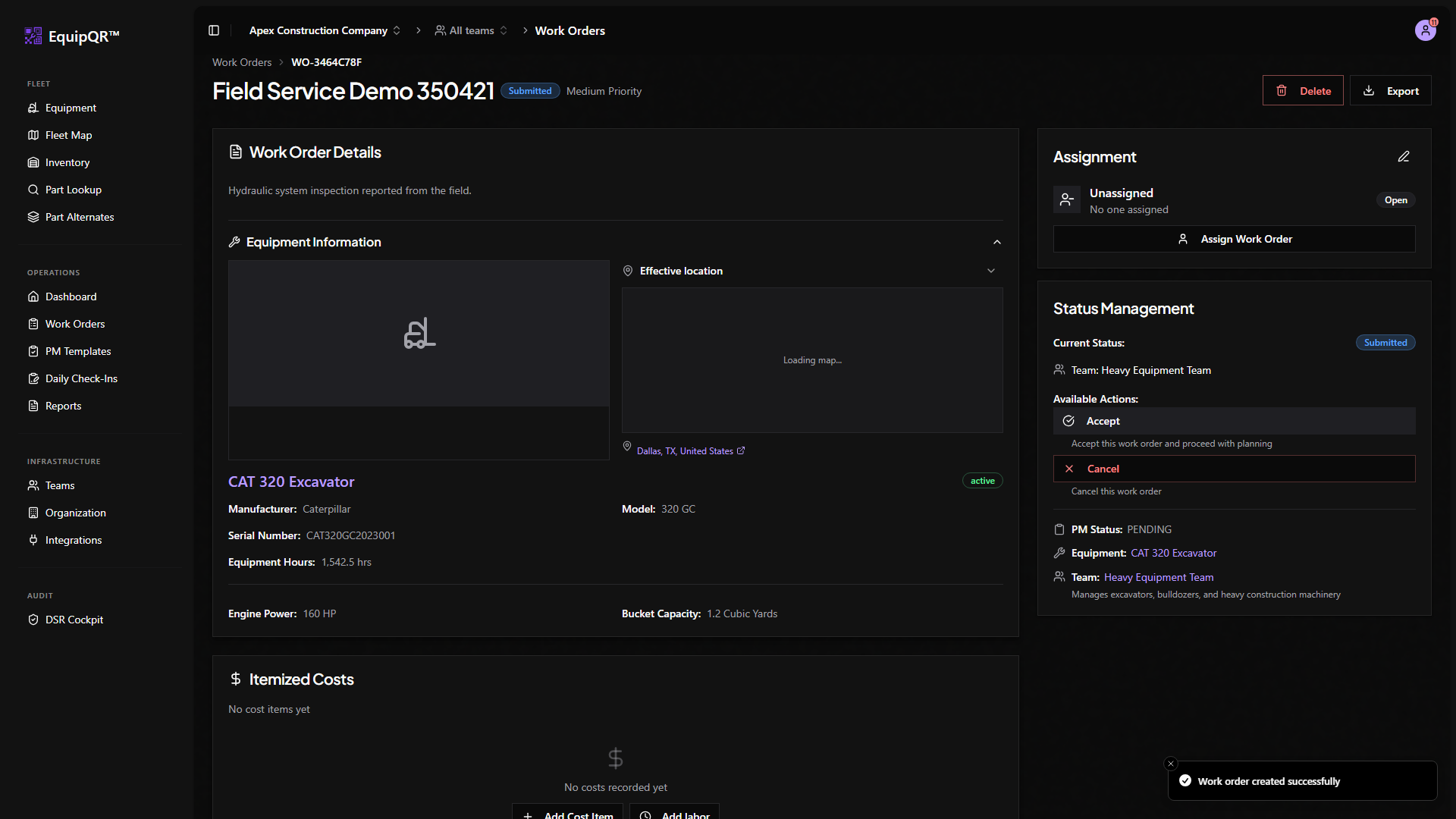
Click Create Work Order. The new record appears in the team queue with Submitted status.
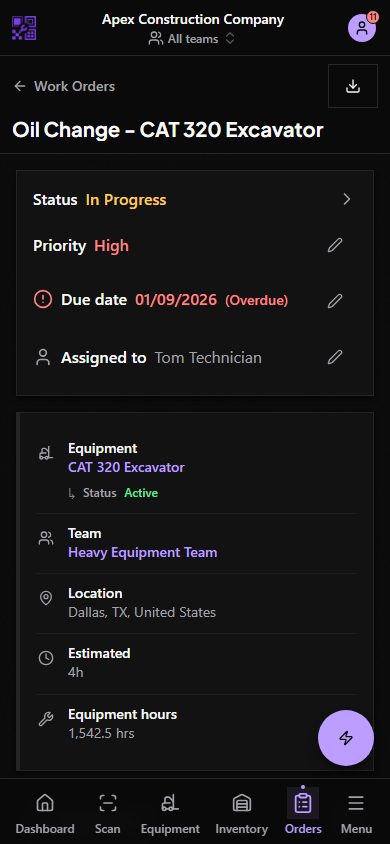
If you forgot to attach a PM checklist during creation, you can add one later on any active work order — see Manage a PM template on an active work order.