
For: Technician, Requestor
Last reviewed: 2026-07-06 EquipQR QR codes are plain URLs — no extra app required. Your phone's camera opens the record directly in the browser or the EquipQR app if it is installed.
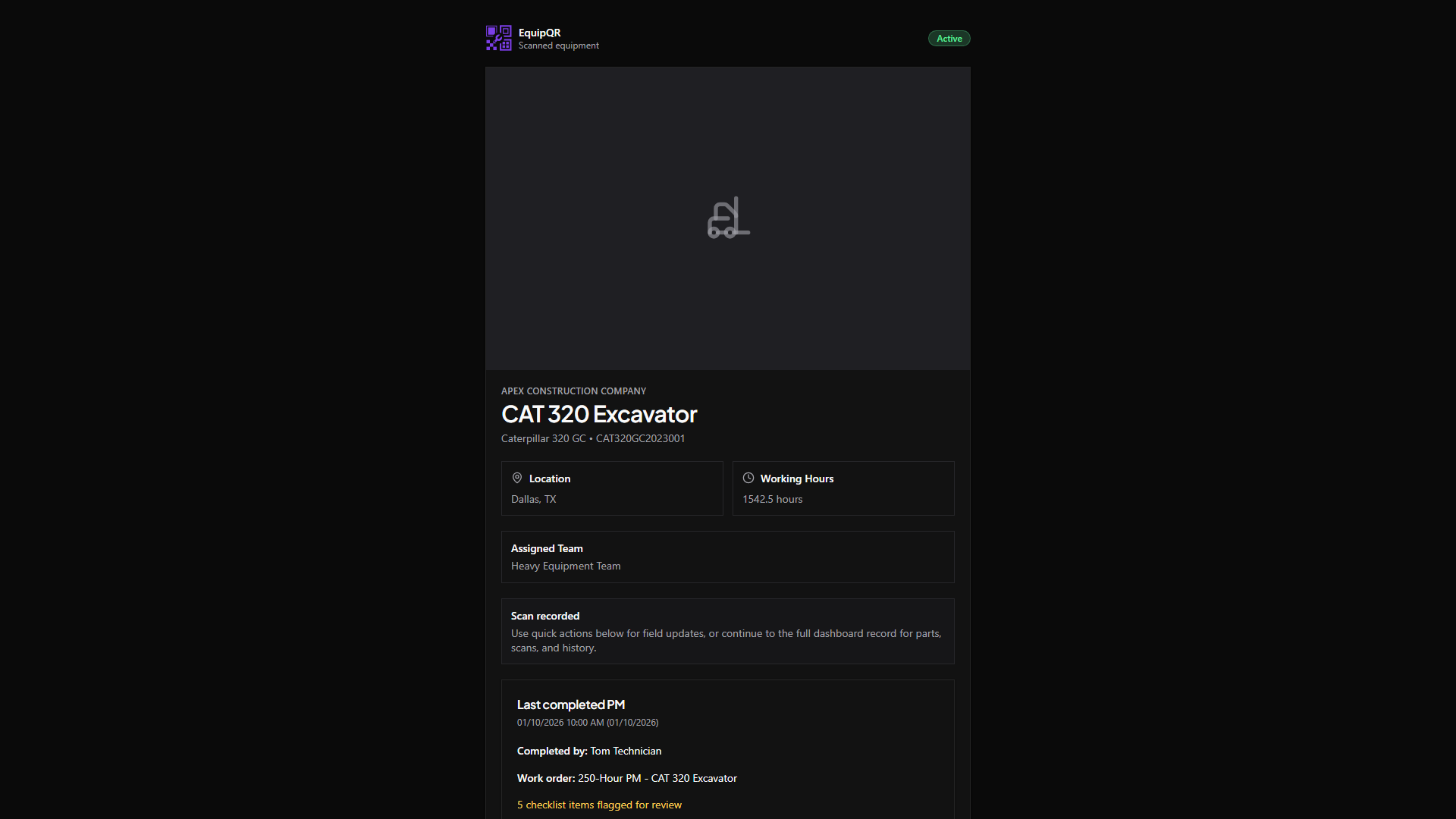
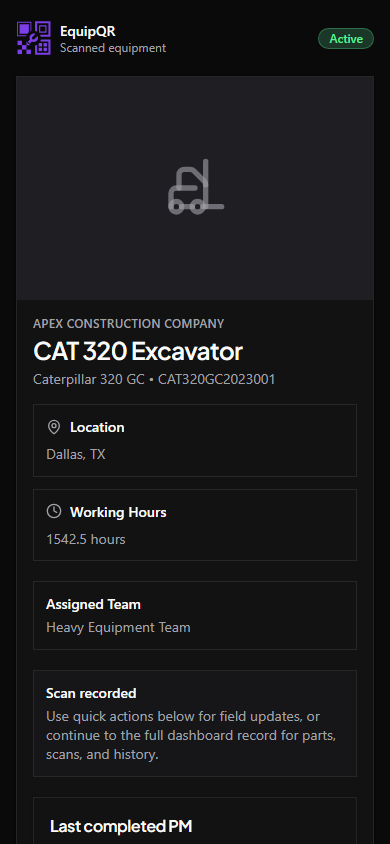
1. Open your camera app
Hold the phone about a hand's width from the QR code. iOS and Android automatically recognize QR codes — no third-party scanner needed.
2. Tap the notification banner
The camera shows a link like https://equipqr.app/qr/equipment/<id>. Tap it to open the equipment record.
3. Sign in if prompted
If you are not already logged in, EquipQR asks you to sign in first. After authentication the app returns you to the equipment you scanned.
Note
If you belong to more than one organization, EquipQR automatically switches you to the organization that owns the scanned equipment.
4. Verify the equipment header
Check the equipment name, make/model, and serial number match the machine you are standing in front of before acting.