
For: Admin, Owner, Manager
Last reviewed: 2026-07-04
Requires
Must be Owner, Admin, or an assigned Parts Manager to edit storage addresses.
Inventory parts carry two different location concepts:
| Field | Purpose |
|---|---|
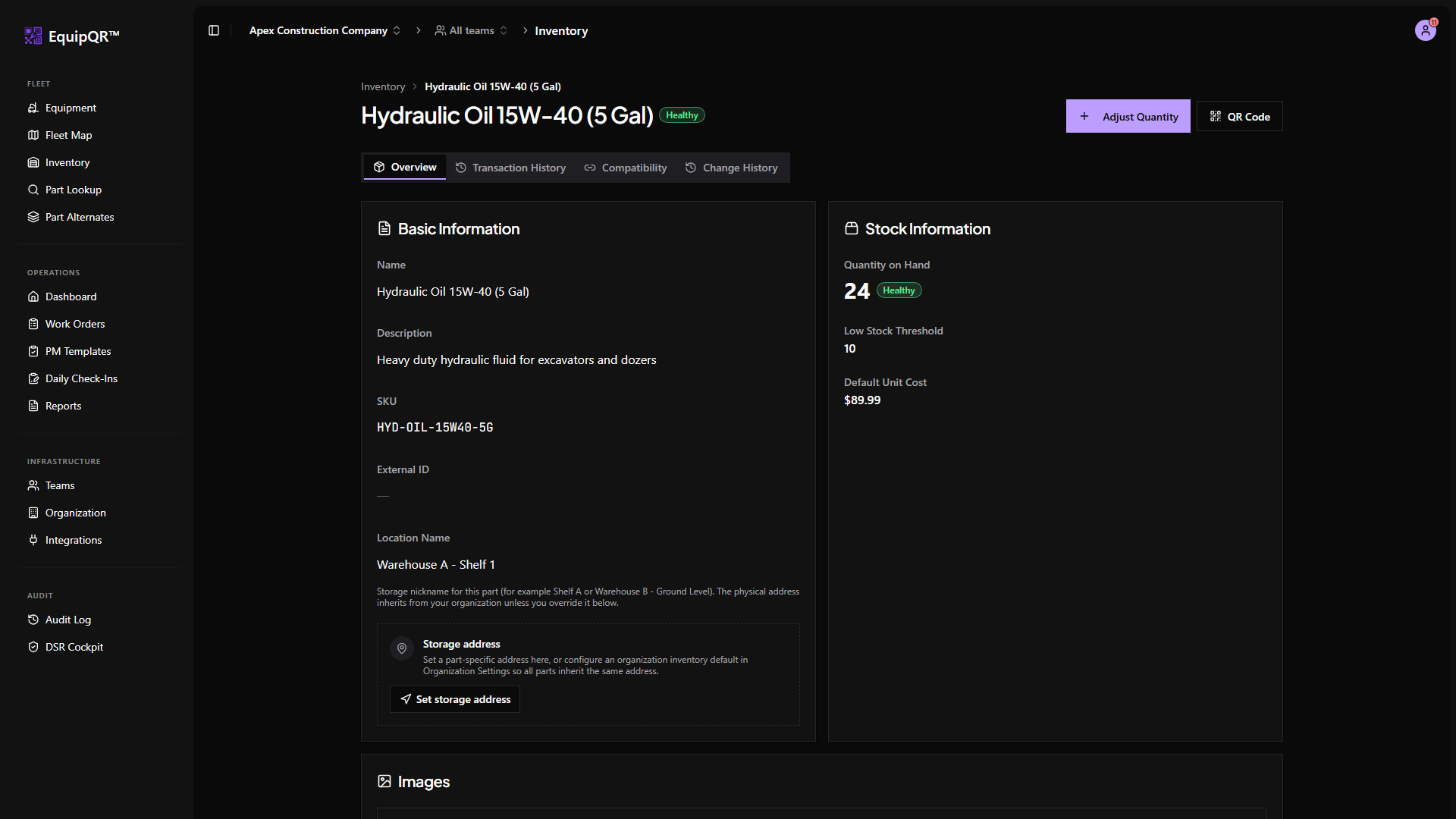
| Location Name on the item form | Human nickname such as "Shelf A-3" or "Truck 4". Does not drive map pins. |
| Storage address | Structured street or map coordinates used for maps, inheritance, and Google Maps directions. |
Organization default
Owners and Admins set an organization-wide default under Organization → Settings → Inventory Default Location. Every part inherits that address until it saves its own override.
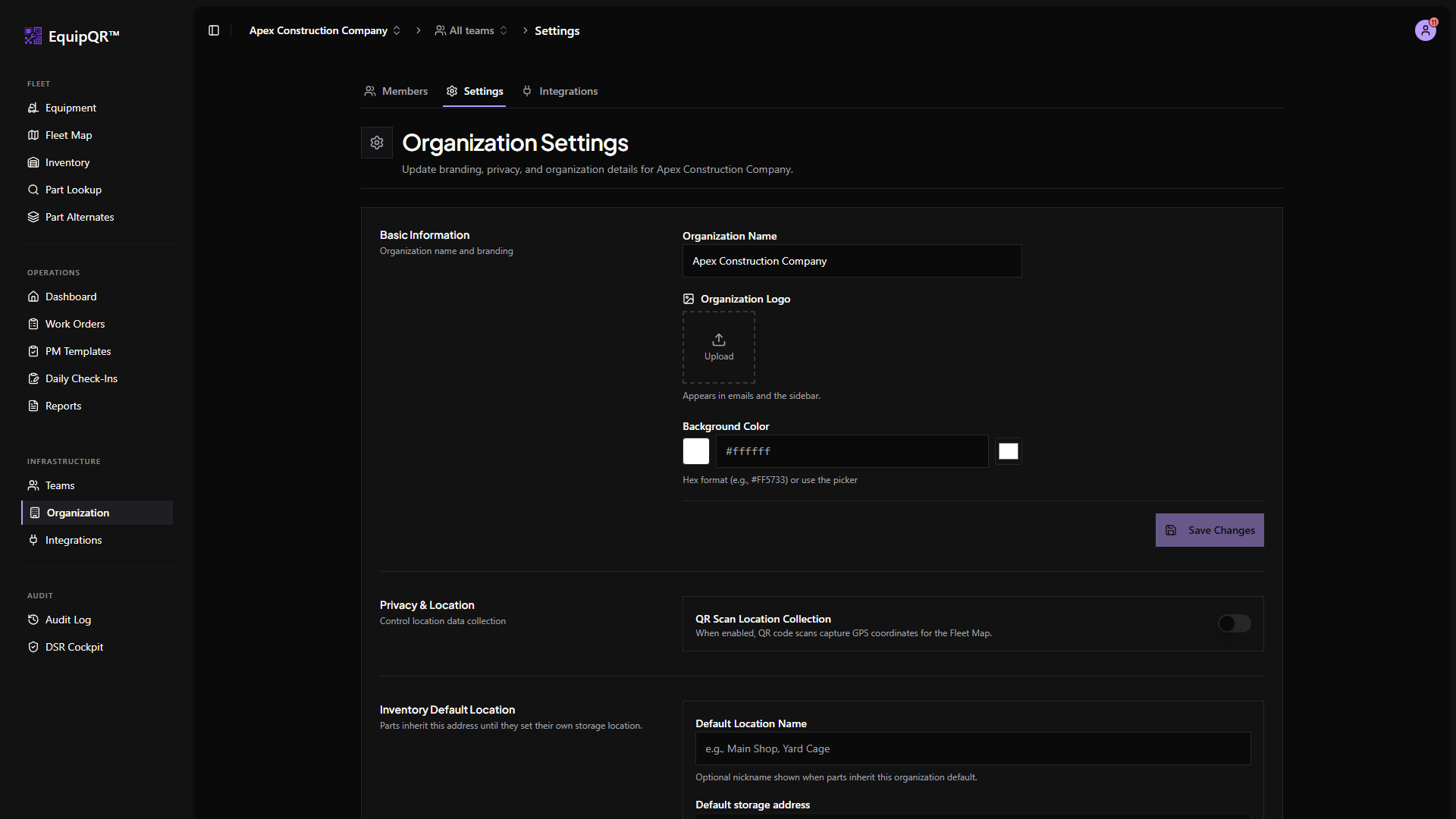
The default supports Places search, center-pin map adjustment, and Use my current location the same way team locations do.
Part-specific override
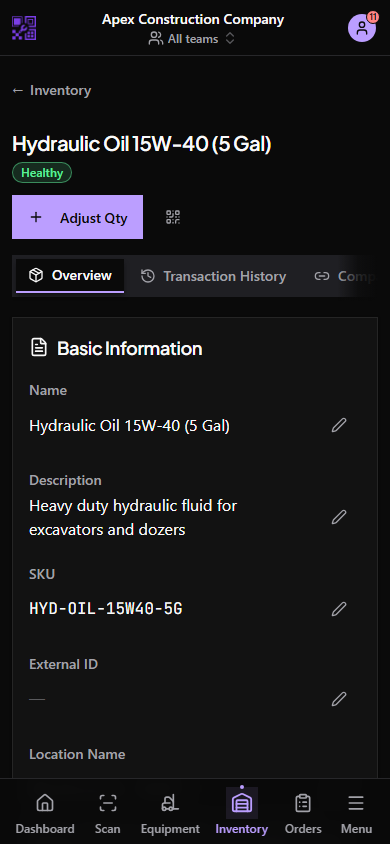
Open an inventory item detail page. The Storage address block shows whether the part inherits the organization default or uses its own structured fields. Choose Override address to set part-specific coordinates; Edit part address updates an existing override.
Map and directions
When coordinates exist, the detail page renders a read-only mini map. Tap the map or address to open Google Maps directions—useful when a technician needs the stockroom or yard cage, not just a shelf label.
QR codes do not change location
Scanning an inventory QR code adjusts quantity or lookup context only. It never writes storage address fields.