
For: Technician, Manager
Last reviewed: 2026-07-04
Requires
The work order must have a PM checklist attached. You can attach one when creating the work order or later on an active job — see Manage a PM template on an active work order.
1. Open the work order with the PM checklist
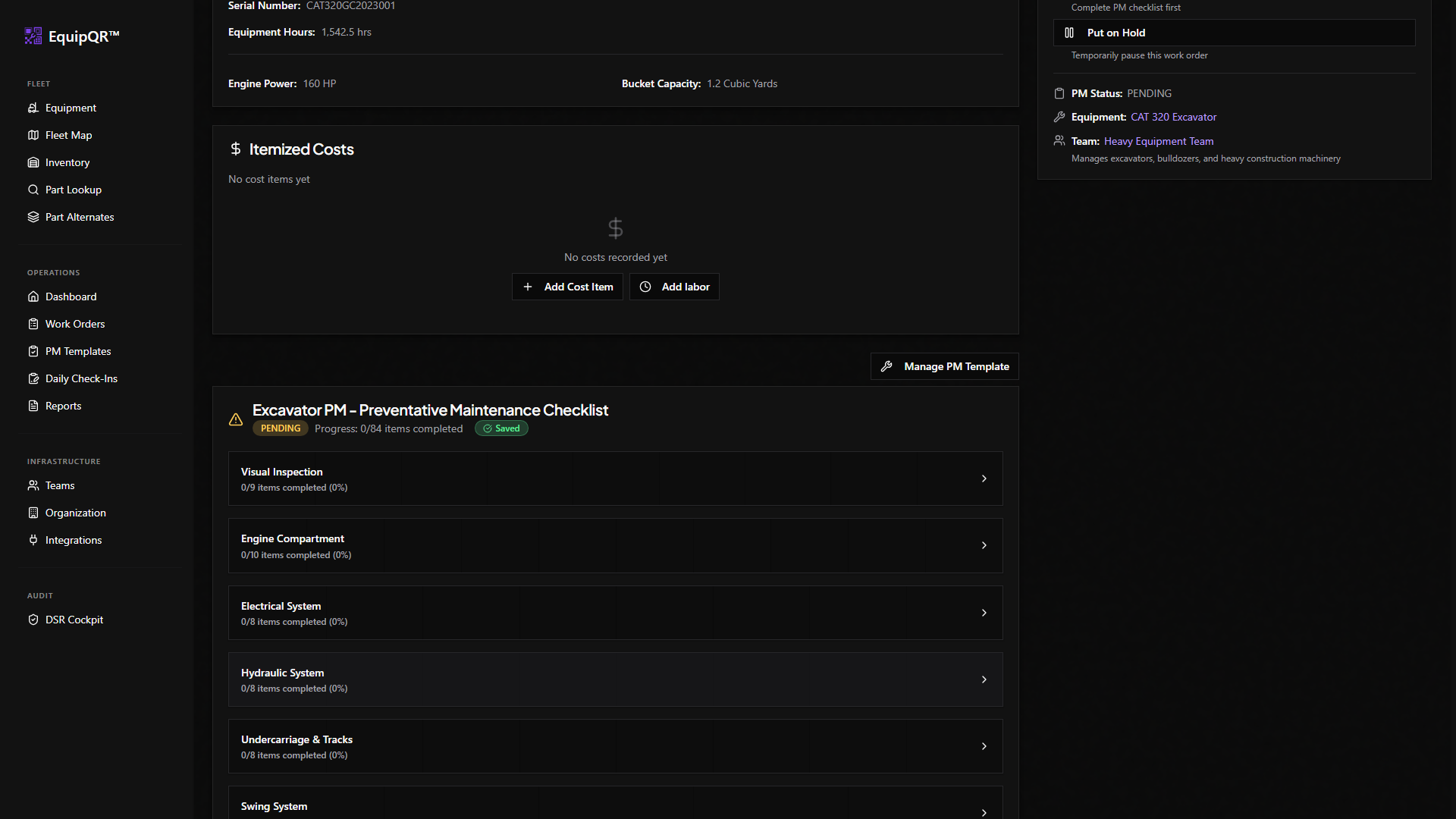
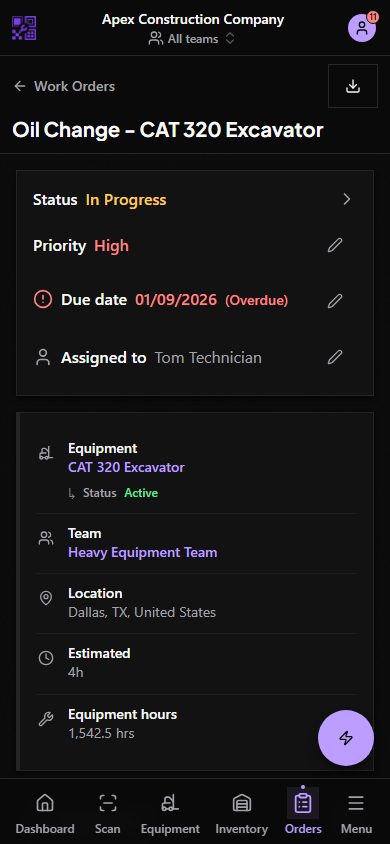
From Work Orders, pick the PM-enabled job assigned to you. The PM Checklist section renders below the work order details.
2. Tap Set All to OK for everything in good shape
The Set All to OK button quickly marks every item as acceptable so you only have to focus on the exceptions.
3. Flag exceptions
For each item that needs attention, change the status (Needs Attention, Critical, etc.), add a short note explaining the issue, and attach a photo showing the problem. Exceptions drive the follow-up work that managers triage.
4. Save progress
Changes auto-save as you go; you can also tap Save Changes manually. Come back later to finish if you get interrupted — the checklist keeps state per item.