For: Technician, Manager
Last reviewed: 2026-07-06
Requires
Must be Manager, Technician, or an assigned Parts Manager.
1. Open the work order's Parts & Costs section
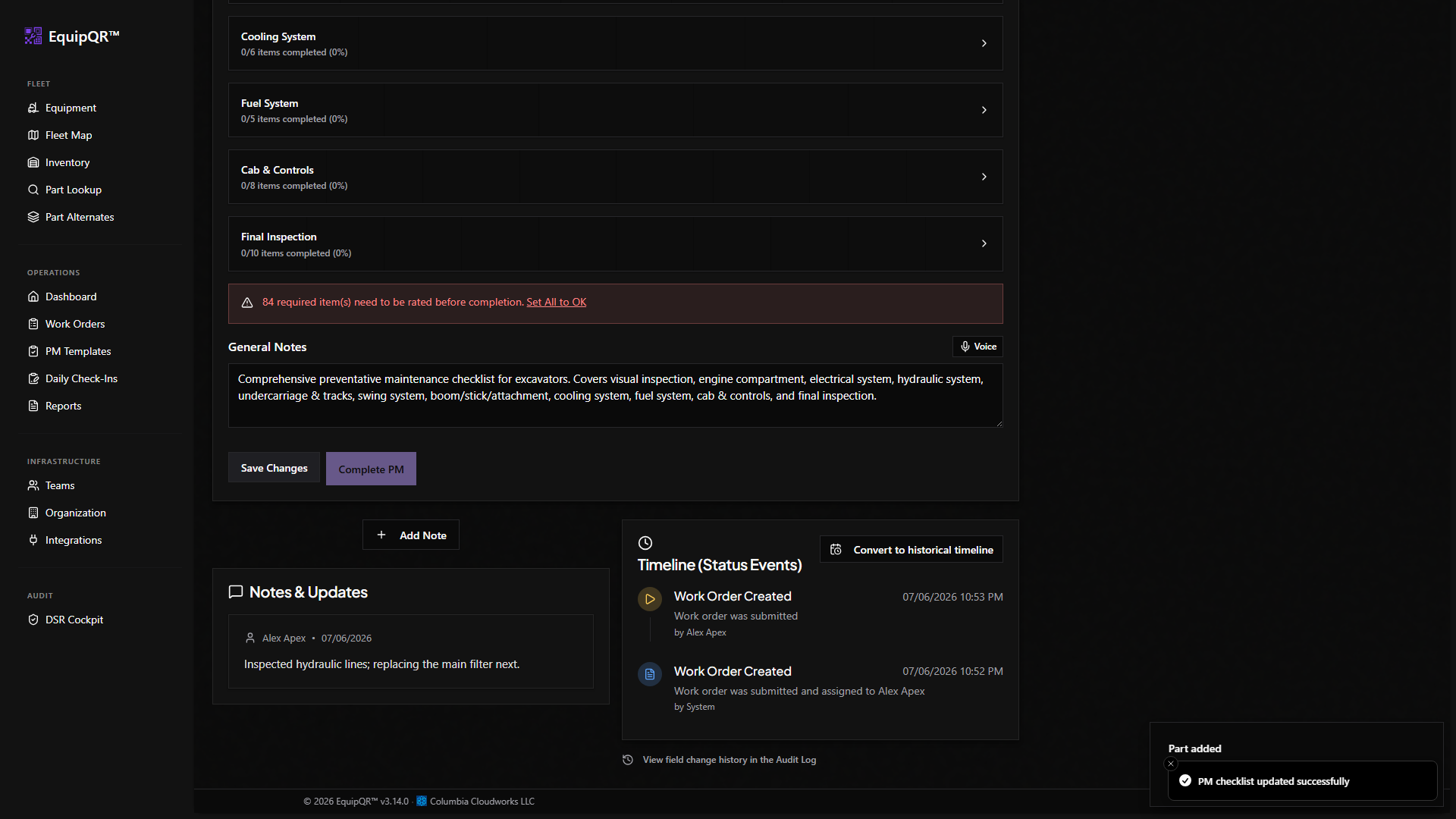
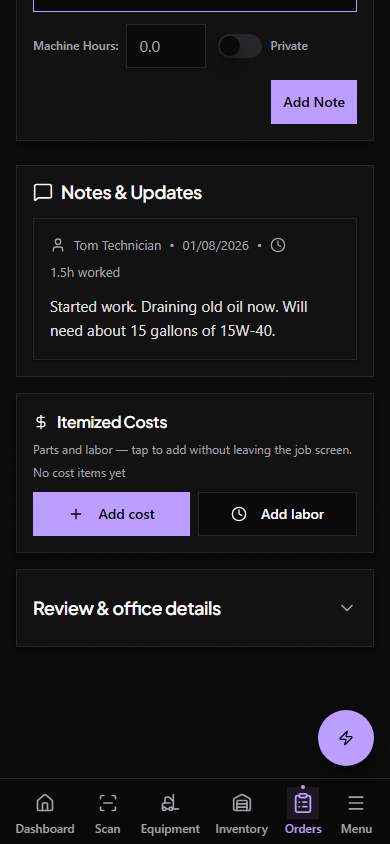
Scroll to the Costs section in the work order details and tap Add Item.
2. Search for the part
Type the part name, SKU, or a cross-reference number. Alternate groups surface equivalent parts in the same search.
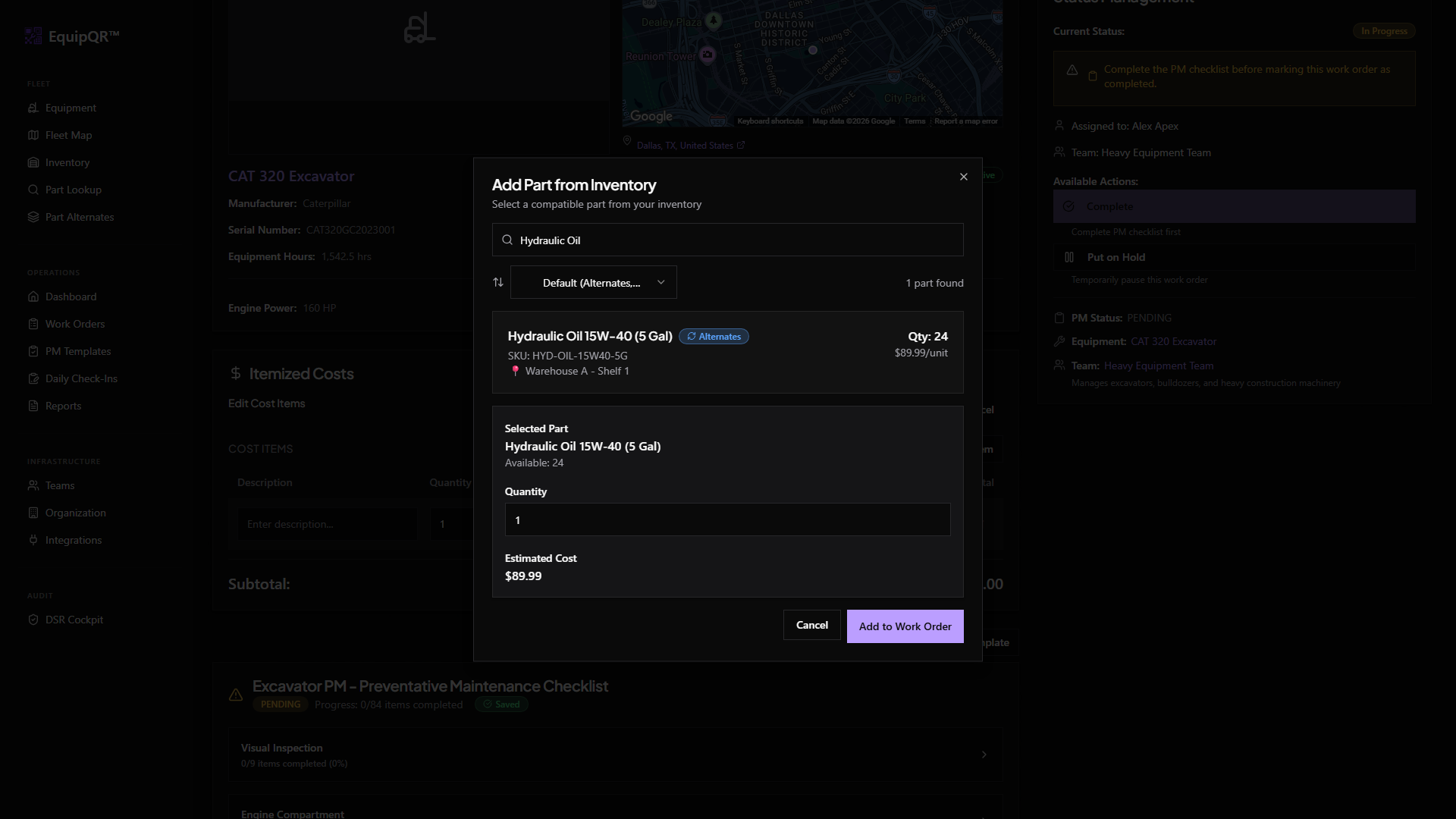
3. Enter the quantity used
EquipQR deducts that quantity from stock on hand and records the unit cost in the work order's total.
Note
If the part drops below its low-stock threshold, Parts Managers and Admins receive a low-stock alert.
4. Save
The item appears on the work order cost line. The inventory item's transaction history now has an entry tied to this work order.