
For: Everyone
Last reviewed: 2026-07-06 EquipQR is a multi-tenant fleet equipment management platform for field technicians, shop managers, and the customers who own the equipment. The platform pairs each piece of equipment with a durable QR code so anyone with permission can scan it and get straight to the record, work orders, and maintenance history.
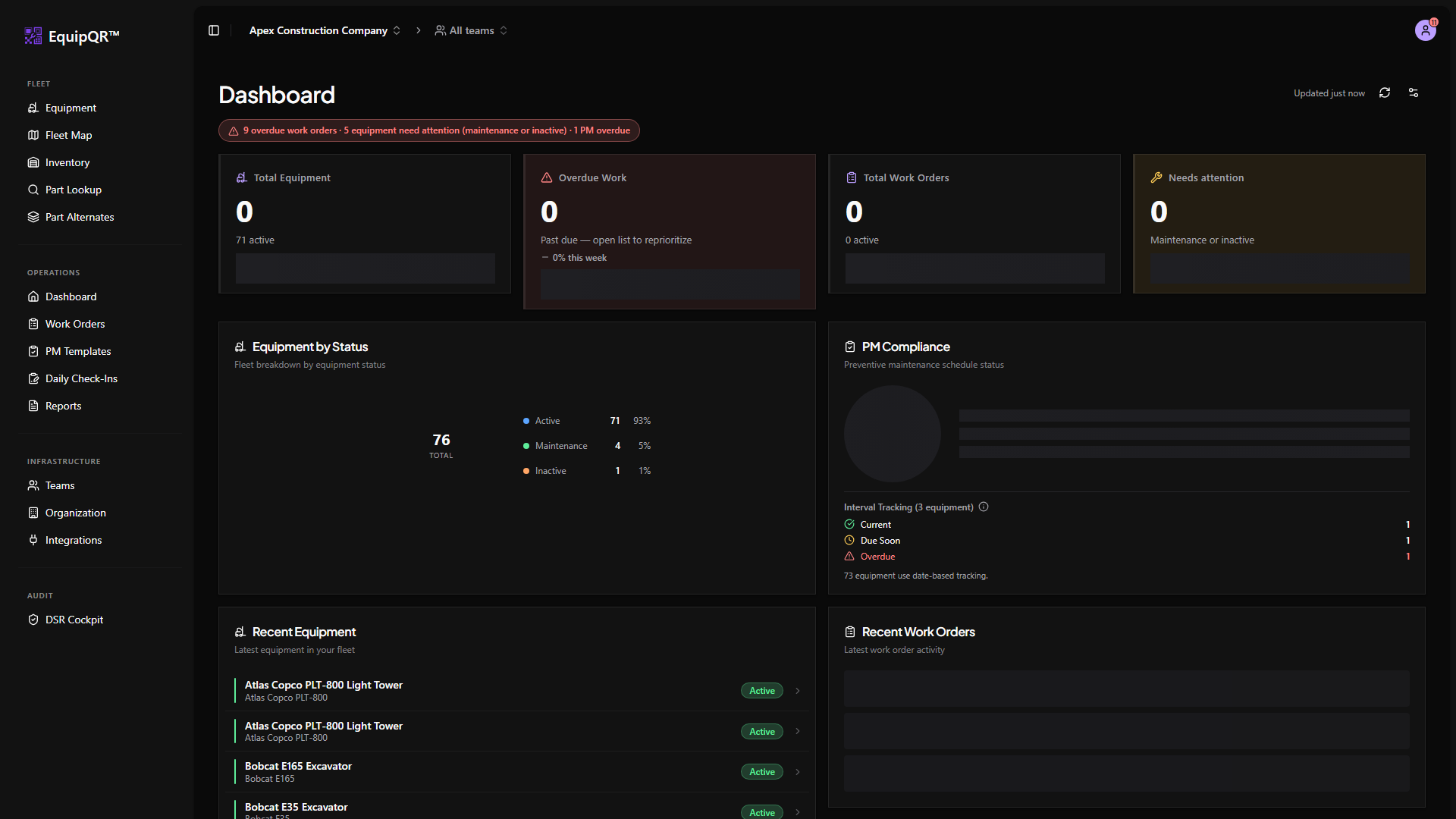
1. Set up your organization
Create your organization, invite teammates, and choose who should be an Owner or Admin. Everyone else starts as a Member until they are added to a team.
2. Build your fleet
Add each piece of equipment, assign it to the team that services it, and print the QR code so technicians can scan it in the field.
3. Stock your inventory
Load the parts you consume on work orders. Low-stock thresholds and alternate part groups keep technicians moving when a first-choice part is unavailable.
4. Run work orders
Technicians pick up work orders, add notes and photos, consume inventory, and mark the job complete. Managers triage incoming requests and close the loop with customers.
The rest of the support library walks through each of those pieces in detail. If you are in a hurry, jump to the category that matches your role from the Start Here, Technician Field Work, or Admin & Integrations section.
Desktop walkthrough video
https://supabase.equipqr.app/storage/v1/object/public/docs-media/support/start-here/desktop/demo.mp4
Mobile walkthrough video
https://supabase.equipqr.app/storage/v1/object/public/docs-media/support/start-here/mobile/demo.mp4