
For: Manager, Admin, Owner, Technician
Last reviewed: 2026-07-04 Every work order moves through the same lifecycle. The detail page only shows valid next-status buttons, so the permission rules below are enforced in both the UI and the database.
1. Status flow
- Submitted — created, not yet reviewed.
- Accepted — reviewed and approved for scheduling.
- Assigned — handed to a specific technician or team.
- In Progress — work has started.
- On Hold — paused (waiting on parts, customer, or access).
- Completed — work finished and documented.
- Cancelled — terminal state if the work is no longer needed.
2. Who can change what
| Transition | Allowed roles |
|---|---|
| Submitted → Accepted | Manager, Admin, Owner |
| Accepted → Assigned | Manager, Admin, Owner |
| Assigned → In Progress | Manager+ or assigned Technician |
| In Progress → Completed | Manager+ or assigned Technician |
| Any → On Hold | Manager+ or assigned Technician |
| Any → Cancelled | Manager, Admin, Owner |
3. Cancelled vs Completed
Completed captures a close-out date automatically, which powers reporting and overdue calculations. Cancelled is a terminal state that leaves the work order in history without counting as finished work.
4. Equipment location on work order detail
When a work order links to equipment, the detail page embeds the same location source dropdown and mini map used on equipment records. Dispatchers can preview effective, team, equipment, and scan sources before sending a technician.
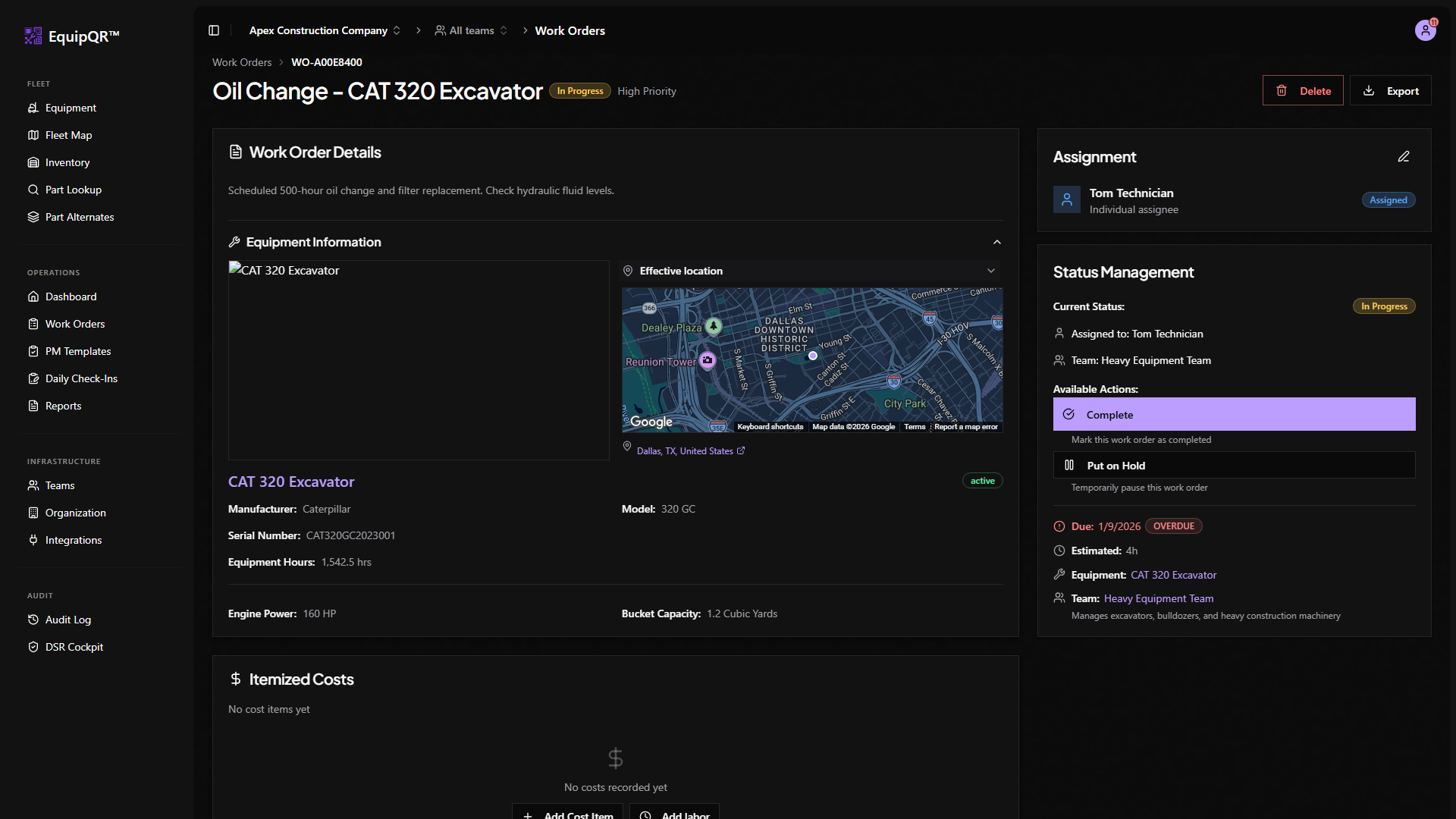
On mobile, expand Equipment Details to reveal the map. See Equipment location sources and maps.